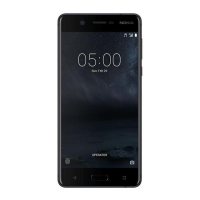
Interactive display elements
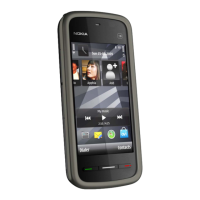
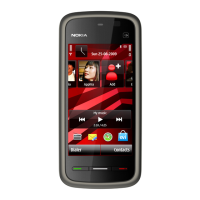
To open the clock application, select the clock (1).
To open the calendar, or to change the profile, select the date or the profile name
(2).
To view or modify connectivity settings (
), or to view missed events, select the
top right corner (3).
To make a phone call, select Telephone or
(4).
To open the contacts list, select Contacts or
(5).
To open the main menu, press the menu key (6).
Get started 23



 To Next Page