[ 94 ]
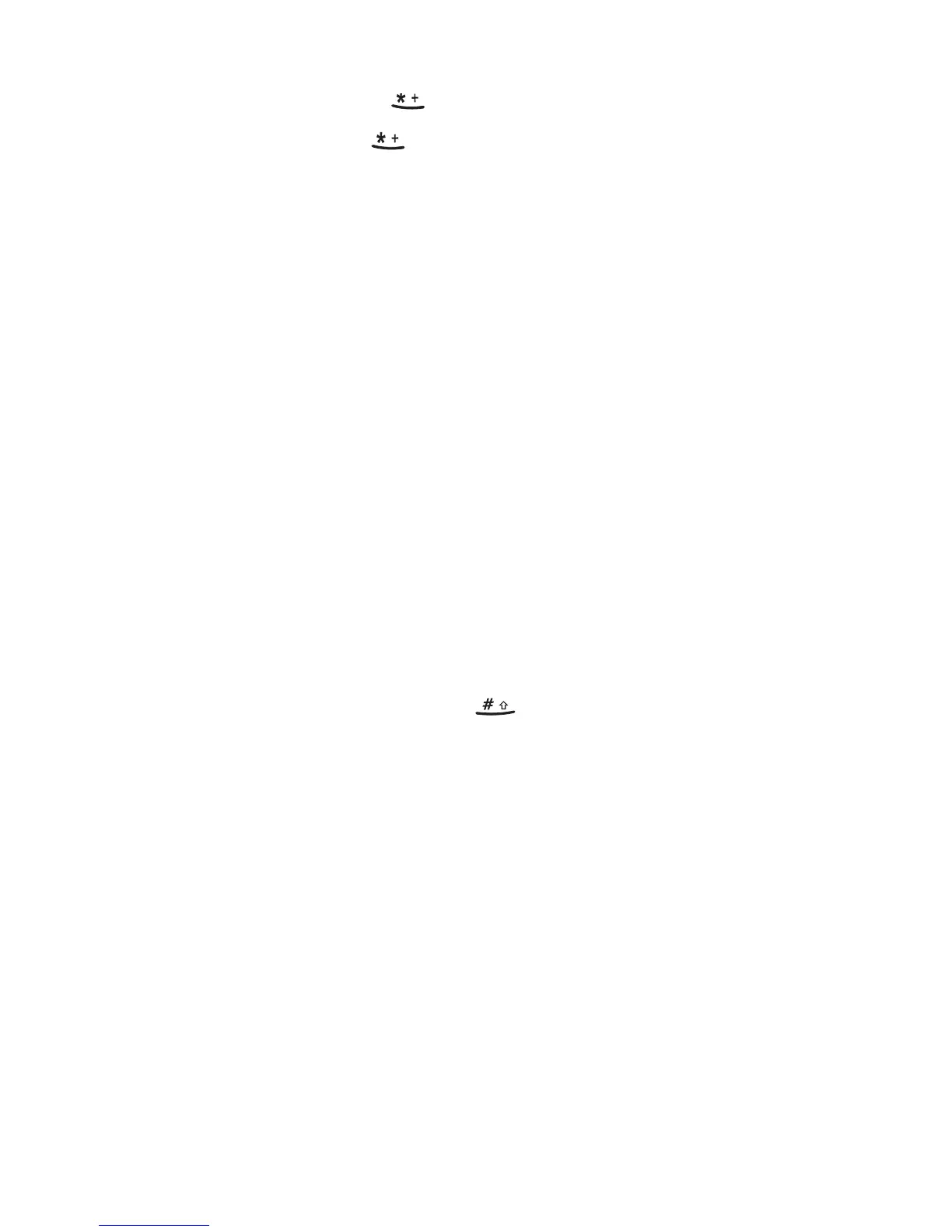
• To multiply, press three times (∗ appears)
• To divide, press four times ( / appears)
3
Enter the second number, repeating steps as needed.
4
Press
Options
.
Equals
is selected.
5
Press
OK
.
Convert currency
Set the exchange rate
1
Press
Menu
7, then press
Options
.
2
Scroll to
Exchange rate
, then press
OK
3
Scroll to
How many home units to a
foreign unit
(to enter the
number of domestic units to a foreign unit) or
How many foreign
units to a home unit
(to enter the number of foreign units to a
domestic unit).
4
Press
OK
.
5
Enter the exchange rate (press to enter a decimal point).
6
Press
OK
.
Convert a currency amount
1
Enter the amount to be converted.
2
Press
Options
.
3
Scroll to
In home curr.
to convert to domestic units or
In foreign curr.
to convert to foreign units.
4
Press
OK
.



 To Next Page