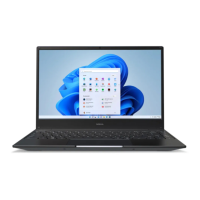
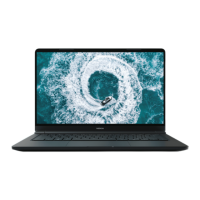
3. Keys and parts in your device
Keys and parts
1 Web camera
2 Microphone
3 Indicators
4 Function / Shortcut keys
5 Keyboard
6 Touch pad
7 Touch pad buttons
8 HDMI connector
9 USB connectors (USB 2.0)
10 Audio connector
11 Loudspeaker
12 Loudspeaker
13 Power key
14 Memory and SIM card slot cover
15 USB connectors
16 Charger connector
17 Battery
Remove the battery.
Push the battery latches toward the sides
of the device to unlock them.
When the latches are properly opened, the
battery is released, and you can remove it.
Indicators
Mains current (charger)
6 Keys and parts in your device
© 2009 Nokia. All rights reserved.6


 To Next Page