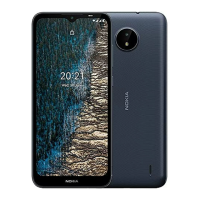
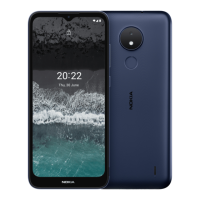
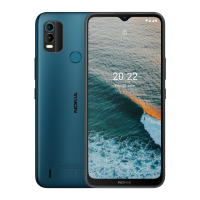
Nokia C200 Brugervejledning
Slå automatisk sikkerhedskopiering til
Tryk på Indstillinger > System > Sikkerhedskopi , og slå sikkerhedskopiering til.
RESTORE ORIGINAL SETTINGS AND REMOVE PRIVATE CONTENT FROM YOUR
PHONE
Reset your phone
1. Tap Settings > System > Reset options > Erase all data (factory reset) .
2. Follow the instructions shown on your phone.
© 2022 HMD Global Oy. Alle rettigheder forbeholdes. 29


 To Next Page