Phone mode
25
call. For the time after which the call is answered, see the user guide of
your mobile device.
To set the car radio to be muted when the car kit produces a sound (such
as an alarm) or only when you make or receive a call, select Car radio
mute and All audio events or Phone calls only.
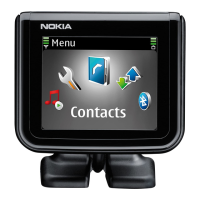
To change the language of the CarMenu application, select Language
and the desired option.
To set the ringing volume, select Ringing volume, and scroll left to
decrease or right to increase the volume.
To set the ringing tone, select Ringing tone and the desired tone.
To view information about the CarMenu application and the car kit,
select About.



 To Next Page