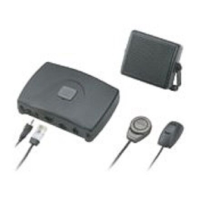
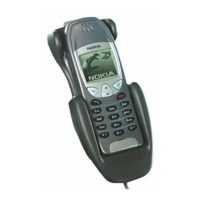
Car kit installation
13
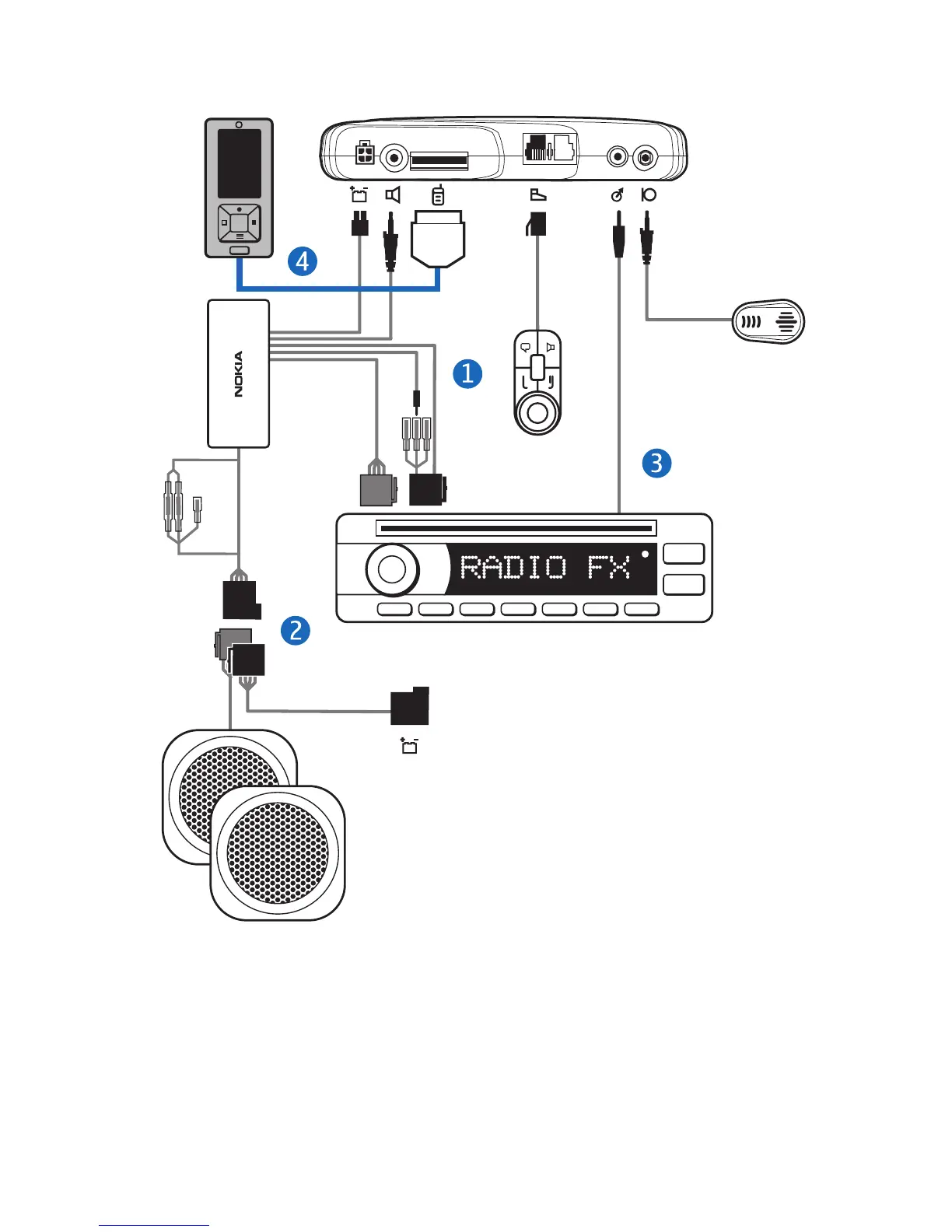
1. Disconnect the two ISO connectors from the car radio for power and
loudspeakers, and replace them with the two connectors of the
system cable CA-139.
Connect the wire labeled "Mute" of the system cable to one of the
wires labeled "Mute 1", "Mute 2", or "Mute 3" according to the
pinning of the car radio. Leave the other labeled mute wires
© 2008 Nokia. All rights reserved.



 To Next Page