Car kit installation
17
Setup option 3
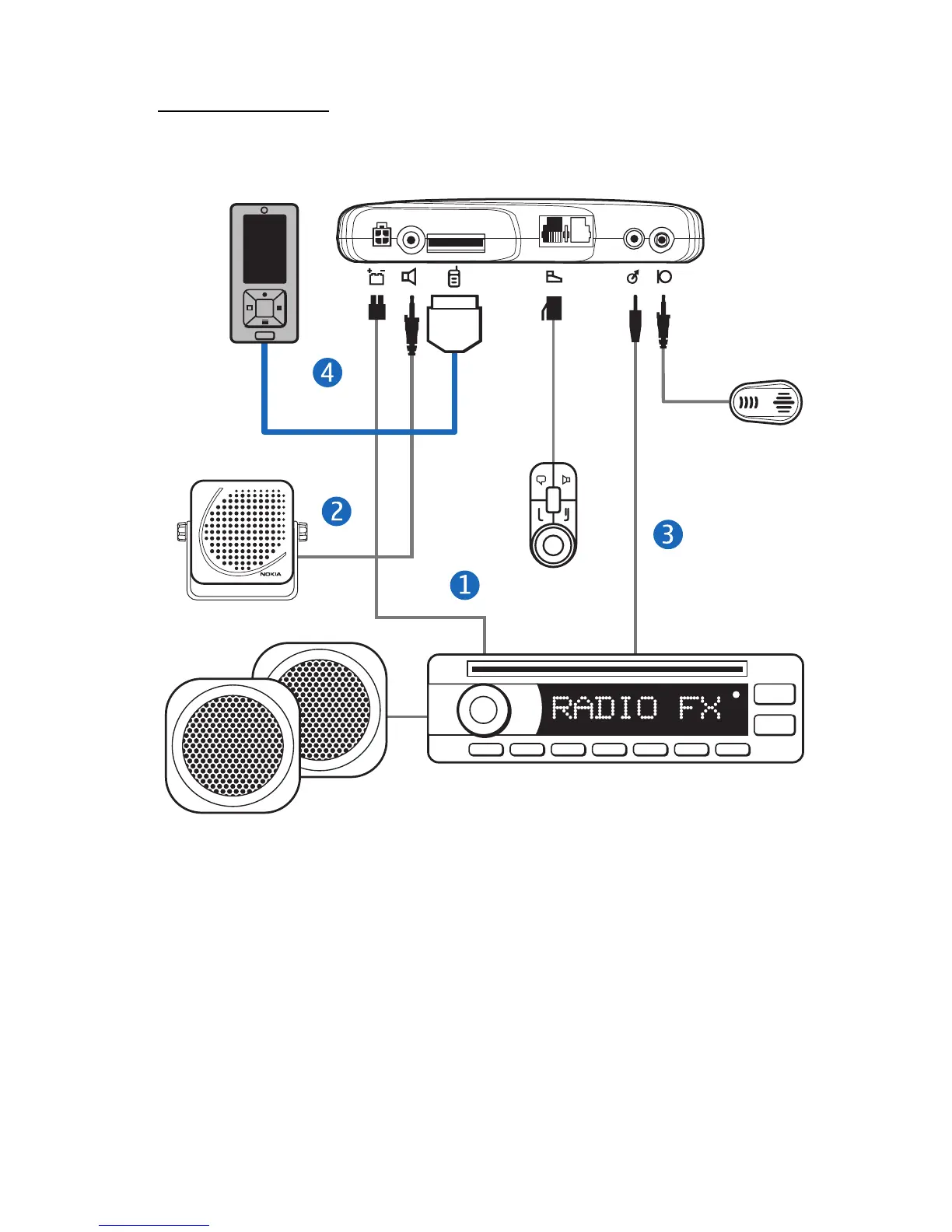
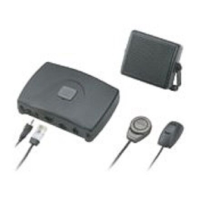
You can use the external loudspeaker SP-3 and the power cable PCU-4
as follows (if supplied with the car kit):
1. Connect the respective wires of the power cable PCU-4 to the car
battery and ignition sense (if available). Connect the car radio mute
signal (if available) to the car radio. Plug the connector into the
hands-free unit.
2. For phone calls, connect the loudspeaker output of the hands-free
unit to the loudspeaker SP-3.
3. Connect the stereo music output of the hands-free unit (a standard
3.5-mm stereo connector) to the AUX input of the car radio. Use an
© 2008 Nokia. All rights reserved.



 To Next Page