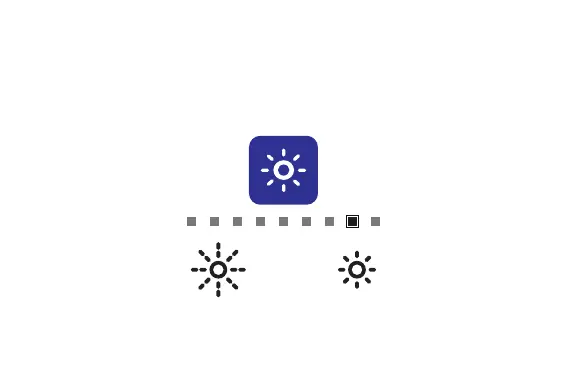
Backlight
AccuPOINT has two different backlight levels: Bright and Low. You can adjust the backlight
by pressing the Power On/Off & Settings button. AccuPOINT will automatically turn off the
backlight if the button is not pressed for 20 seconds. When the Power On/Off & Settings button
is pressed again, the backlight will be activated.
NOTE: The backlight level will remain the same during charging.



 To Next Page