10
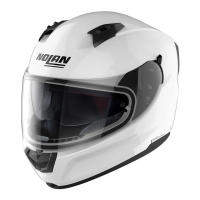
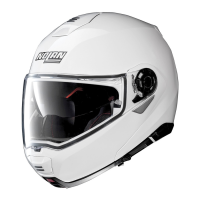
• Prior to installing the N-Com system, remove any filling foam material, if present, from the helmet
(refer to the user manual for your specific helmet).
N.B.: Keep the filling material in case you wish to use the helmet without the N-Com system in the
future.
3.3. Installing the B101 system on the helmet
• Insert the left-hand cable (attached to the
keypad) into the port, as shown (Fig. 5).
NB: the left cable comprises speaker and
keypad.
• Connect the right-hand cable to the port, as
shown (Fig. 6).
NB: the right cable comprises speaker and
microphone.



 To Next Page