Need help?
Do you have a question about the Nonstop Station E and is the answer not in the manual?
Controls for setting and activating the alarm, including on/off and snooze functions.
Features related to the screen, including brightness and time display.
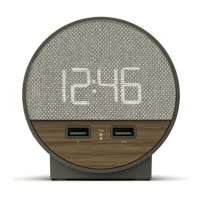
Dual ports for charging compatible USB devices.
Details on power, USB ports, alarm duration, and snooze duration.
Steps for connecting the power cord and initial device setup.
Guide on how to use the dual USB charging ports for devices.
Procedure for configuring the current date and time, including DST.
Instructions on how to set the alarm time and activate it.
Details on how to snooze and reset the alarm.
How to cycle through and select display brightness levels.
Important safety warnings regarding water, heat, and handling.
Information regarding FCC rules, interference, and radiation exposure limits.
 General
| Brand | Nonstop |
|---|---|
| Model | Station E |
| Category | Alarm Clock |
| Language | English |

 To Next Page