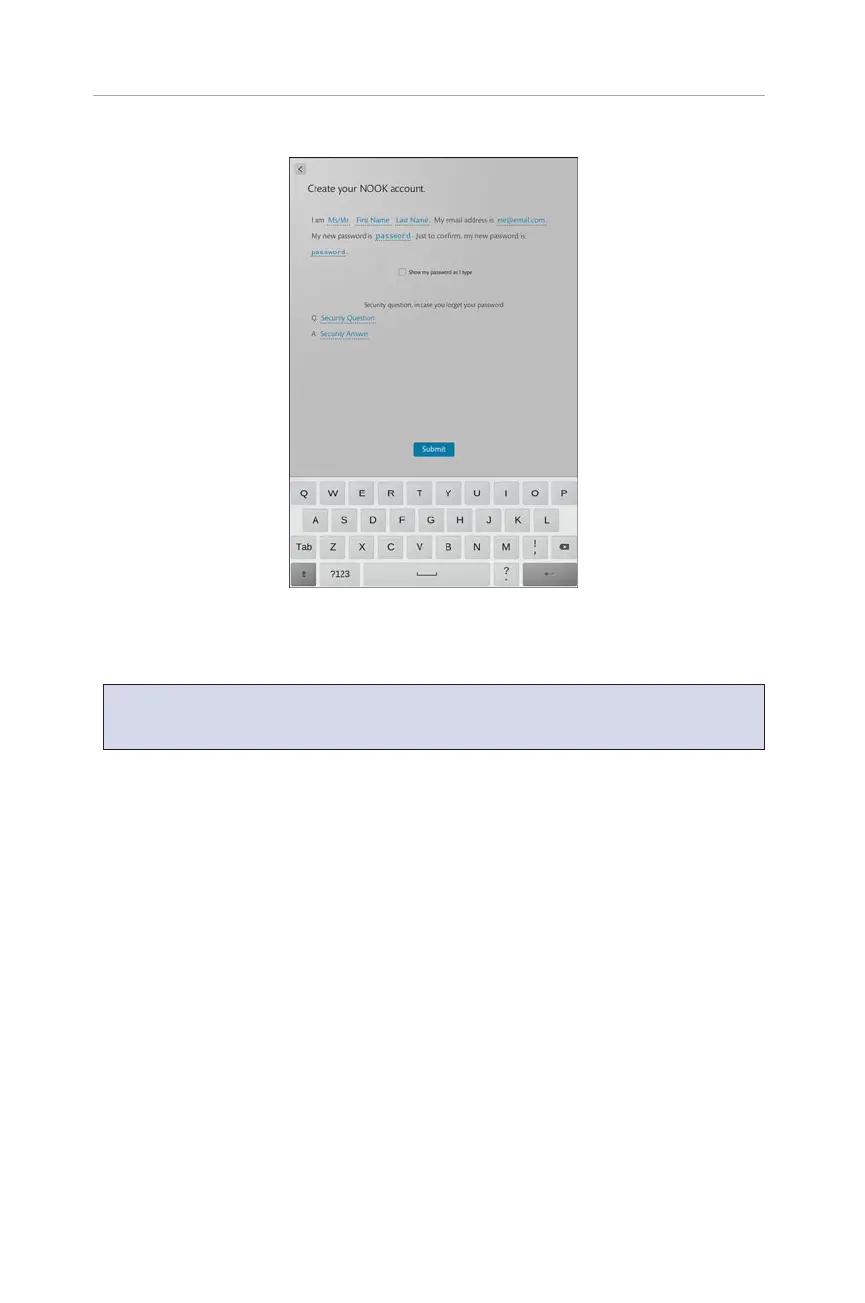
FIGURE 1.3 Create a B&N account if you do not already have one.
NOTE: You can also set up a B&N account on your computer by visiting
www.nooktablet.com/setup.
To register your NOOK, you also need to provide a default credit card with a valid
billing address to be associated with your B&N account.
After you have an account, you are asked to enter your interests. These are used later
by B&N to provide recommendations. You can select one or more. A screen about
building your library appears offering some free sample content. You can skip this or
tap the covers to receive the content.
You are then taken to the Home screen, and your NOOK is now set up for use.
Orienting Yourself to Your NOOK
Now orient yourself to the NOOK and the basic navigational features. You won’t get
the details about putting items on it and so on in the following sections, but you’ll get
there eventually. This is simply to orient you to common locations you revisit often in
this book.
4
CHAPTER 1:
Getting Started with Your NOOK HDs



 To Next Page