GIF formats you have placed on your NOOK. Live Wallpapers are those that
B&N has provided and others you have installed from BN.com
16
CHAPTER 2:
Customizing and Configuring Your NOOK HDs
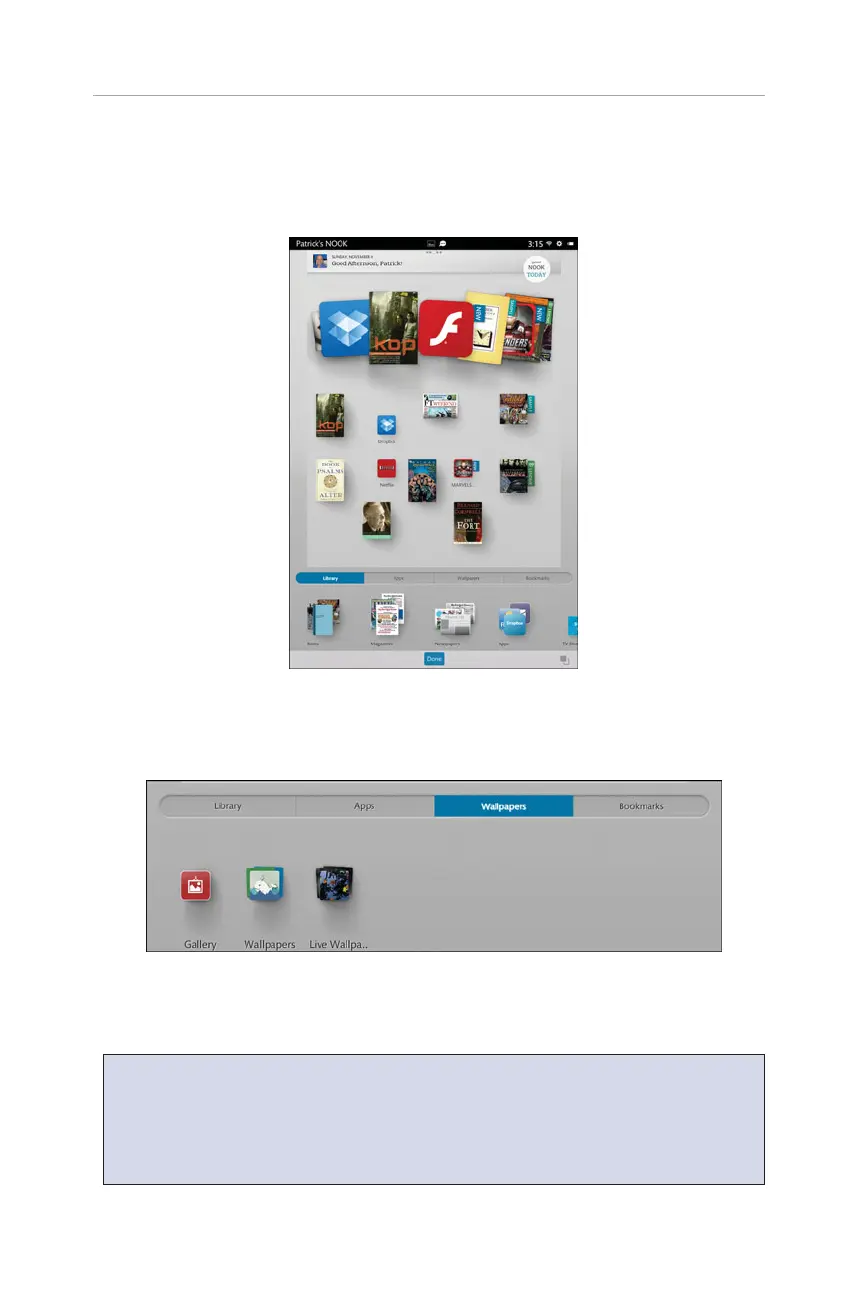
FIGURE 2.1 The Add to Pages screen appears when you press and hold on a blank
area of the Home page.
FIGURE 2.2 Make use of B&N provided images, browse the Gallery, or choose from Live
Wallpapers.
NOTE: Live Wallpapers are images that change over time (some quickly, some
slowly). You can purchase Live Wallpapers from B&N—just type Live Wallpapers
in the search box (see Chapter 13, “Shopping and Visiting B&N on Your NOOK
HDs”). Live wallpapers are sold as apps and automatically appear in the Live
Wallpapers options.



 To Next Page