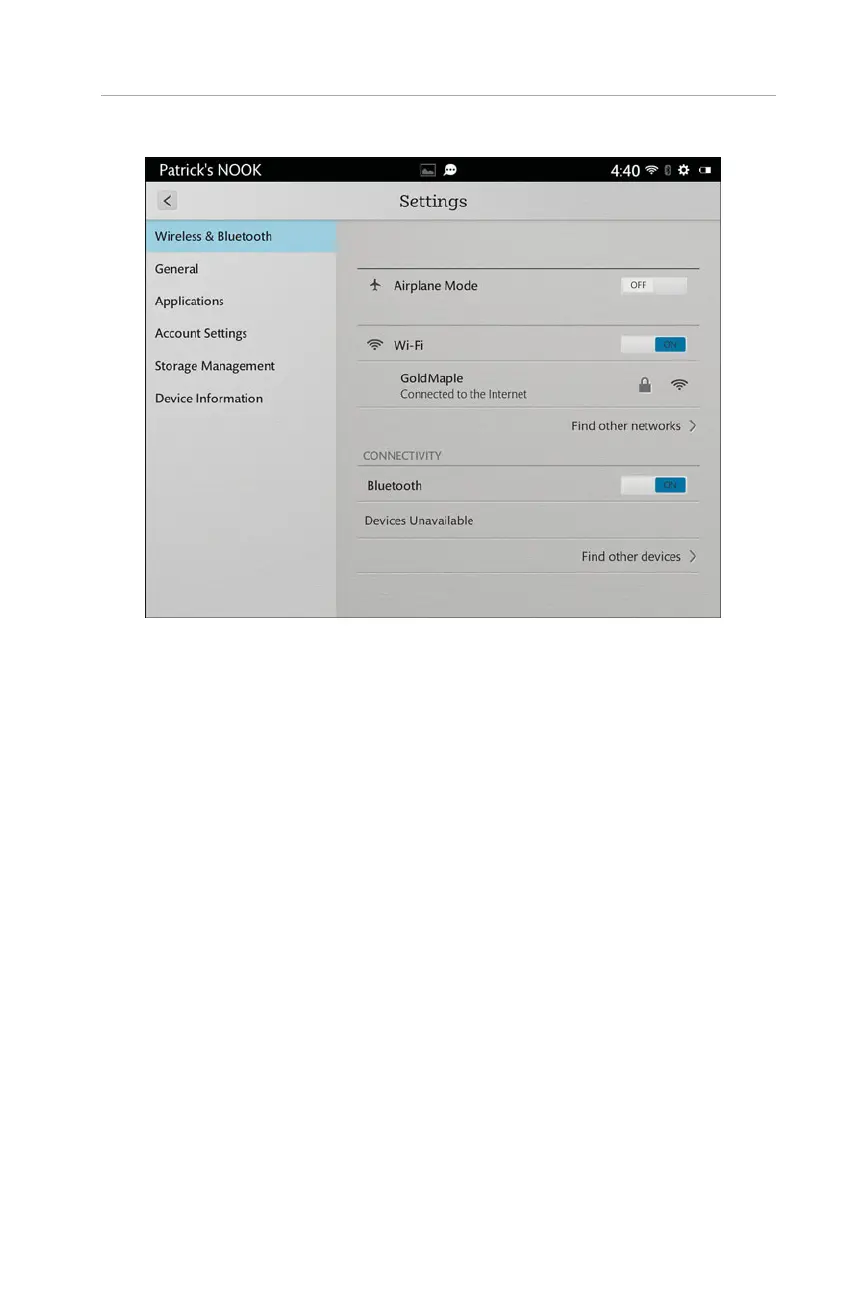
FIGURE 2.5 All Settings provides an extensive array of options.
For simplicity’s sake, the following sections deal with all settings.
Basic Settings
At the top of the Settings screen, you have the specific settings for whatever task you
are doing—for example, Browser, Home, Reader, and so on. Tap this to access those
options. These specifics are discussed next.
The other options are
.
Brightness: Press and hold the dot on the slider to adjust the brightness,
which changes as you move the slider.
.
Wi-Fi: Turn off or on Wi-Fi, and change which Wi-Fi you are connected to.
See Chapter 1, “Getting Started with Your NOOK HDs,” for more informa-
tion about Wi-Fi networks.
.
Airplane Mode: Turn this on to turn off Wi-Fi functionality quickly. Turn
this off to allow the NOOK to connect to Wi-Fi networks.
.
Lock Rotation: Turn this on to lock the NOOK’s display orientation to
however you have it at this current time. In other words, if you are in por-
trait orientation (the Home button is at the bottom or top) and turn Lock
19
Your NOOK’s Settings



 To Next Page