78
TECHNICAL PRESENTATION
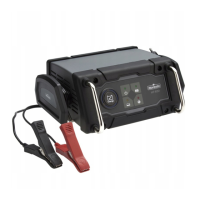
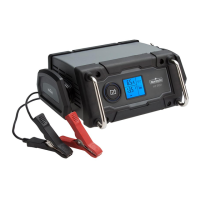
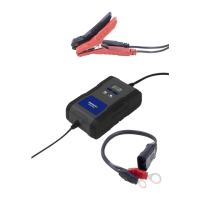
Model 2207762/NO6700
Input 220-240V AC
50/60Hz 0.8A
Output 6V/12V DC max 2A
12V DC max 4A
Battery type Lead-Acid, AGM, Gel
CONTROL PANEL
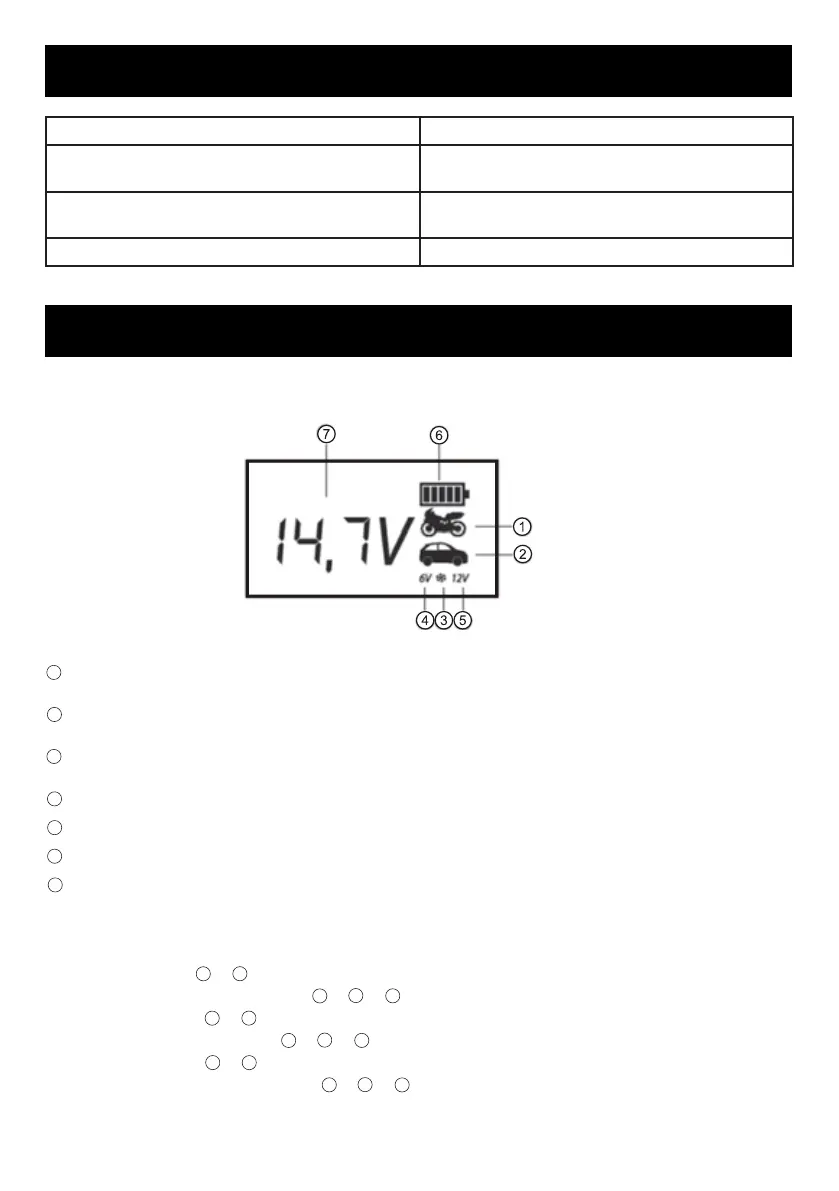
LCD DISPLAY
The icon will indicate 2A Charge Rate, which is used for charging the small capacity batteries used in
motorcycle, ATV, snowmobile, personal watercraft, garden tractor and golf car.
The icon will indicate 4A Charge Rate, which is used for faer charging of small-to-large capacity
automotive, marine, deep cycle and farm tractor batteries.
The icon will appear when selecting the mode of charging in cold ate, which means the max
charging voltage is 0.2V than usual.
“6V” will appear when selecting the charge for the 6V batteries.
“12V” will appear when selecting the charge for the 12V batteries.
The icon will indicate the charging process.
The numbers or characters will indicate the battery voltage or the error code.
MODE SELECTION BUTTON
Press the Mode Selection Button to select one of the 6 charging modes.
Mode 1: 6V 2A (Icon
+
will appear)
Mode 2: 6V 2A in the cold state (Icon
+
+
will appear)
Mode 3: 12V 2A (Icon
+
will appear)
Mode 4: 12V 2A in the cold state
+
+
will appear)
Mode 5: 12V 4A (Icon
+
will appear)
Mode 6: 12V 4A in the cold state (Icon
+
+
will appear)
FR


 To Next Page