EMB-2510 User's Manual
2, Sound recording
arecord > record.wav
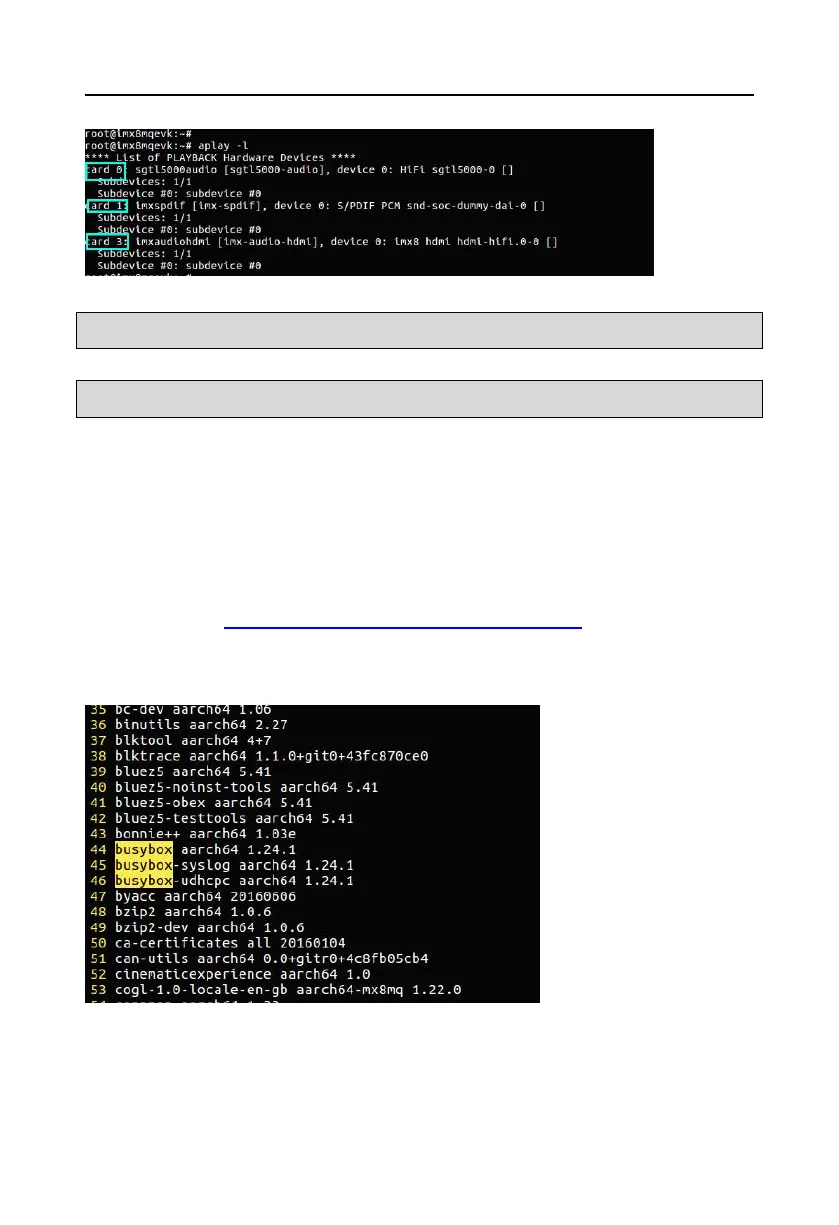
3, Play sound
aplay record.wav
3.2.12 View default preset applications and lib libraries in yocto system
The yocto system on the EMB2510 motherboard defaults to a common lib library: opencv3.4,
qt5.8,python2.7/3.5,gstreamer1.0,gst-player,alsa-tools,etc.
More software reference steps:
a, Browser opens “ http://norcord.com:8070/f/a012a6fbacce4064903b/”, download
“populate_sdk.tar.bz2” file, unzip to“fsl-image-qt5-validation-imx-imx8mqevk.manifest” file;
b,After opening the downloaded file, search directly for the software you are looking for
3.2.13 yocto system application software development sdk installation
When using yocto system to develop application layer, it is necessary to install the
corresponding development sdk, mainly the cross-compiler tool chain used in the installation
and development.



 To Next Page