EMB-2510 User's Manual
installed. Download meta-toolchain-qt5.tar.bz2 from
http://norcord.com:8070/f/622ecc377f3e4861b787/, unzip to
get: fsl-imx-xwayland-glibc-x86_64-meta-toolchain-qt5-aarch64-toolchain-4.9.51-mx8-ga.sh ,
Installation method is as follows :
sudo meta-toolchain-qt5/fsl-imx-xwayland-glibc-x86_64-meta-toolchain-qt5-aarch64-toolchain-4.9.51-mx8-ga.sh
2,After installing the sdk, find the qtcreator. sh file in the QT installation package. For example :
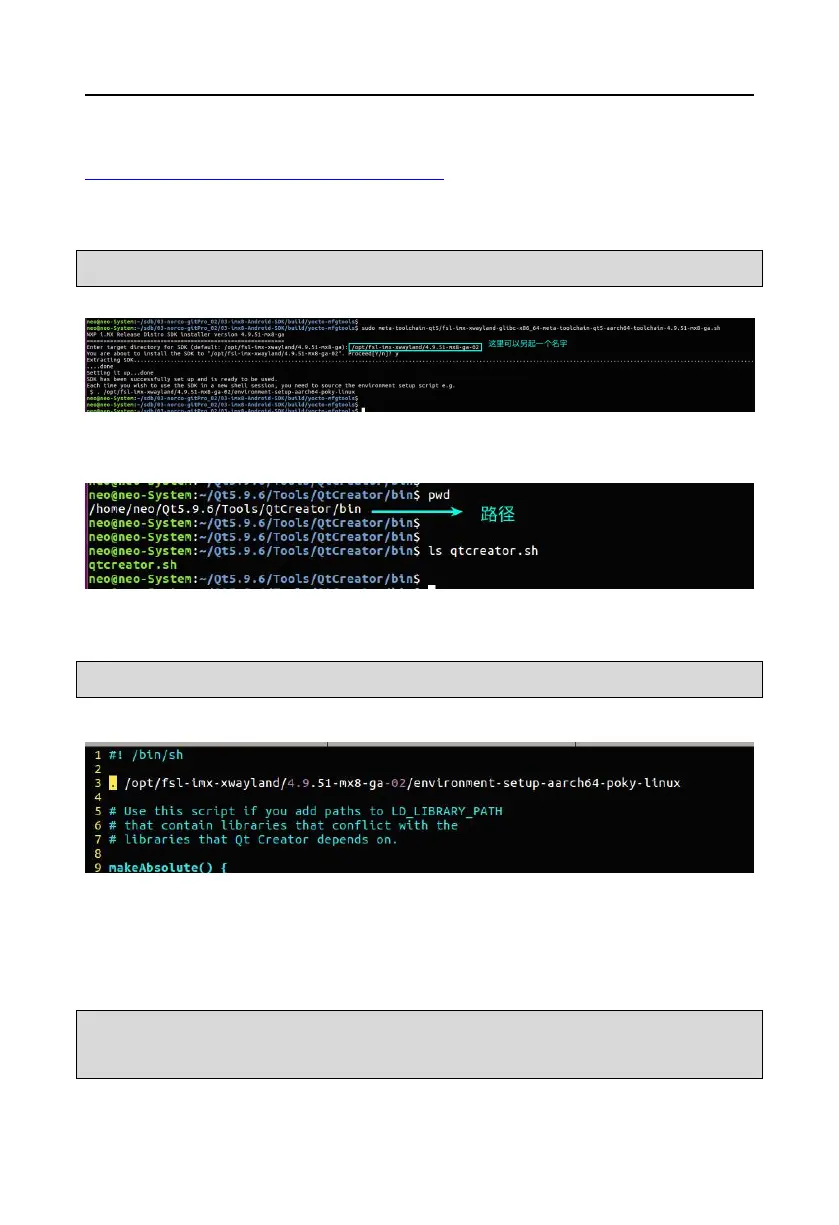
3, Edit “qtcreator.sh”file, add the following line at the beginning:
. /opt/fsl-imx-xwayland/4.9.51-mx8-ga-02/environment-setup-aarch64-poky-linux
(Note that the path is your actual path to install SDK)
4, Run QT creator,under the QT running interface, click “Tools –> Options –> Build & Run” in
the menu bar,to make relevant configuration.
a, Set up“Compiler”:
click Add -> GCC -> gcc ,add a gcc,Fill in column Compiler path :
/opt/fsl-imx-xwayland/4.9.51-mx8-ga-02/sysroots/x86_64-pokysdk-linux/usr/bin/aarch64-poky-l
inux/aarch64-poky-linux-gcc



 To Next Page