3 Configuring monitor display settings
9
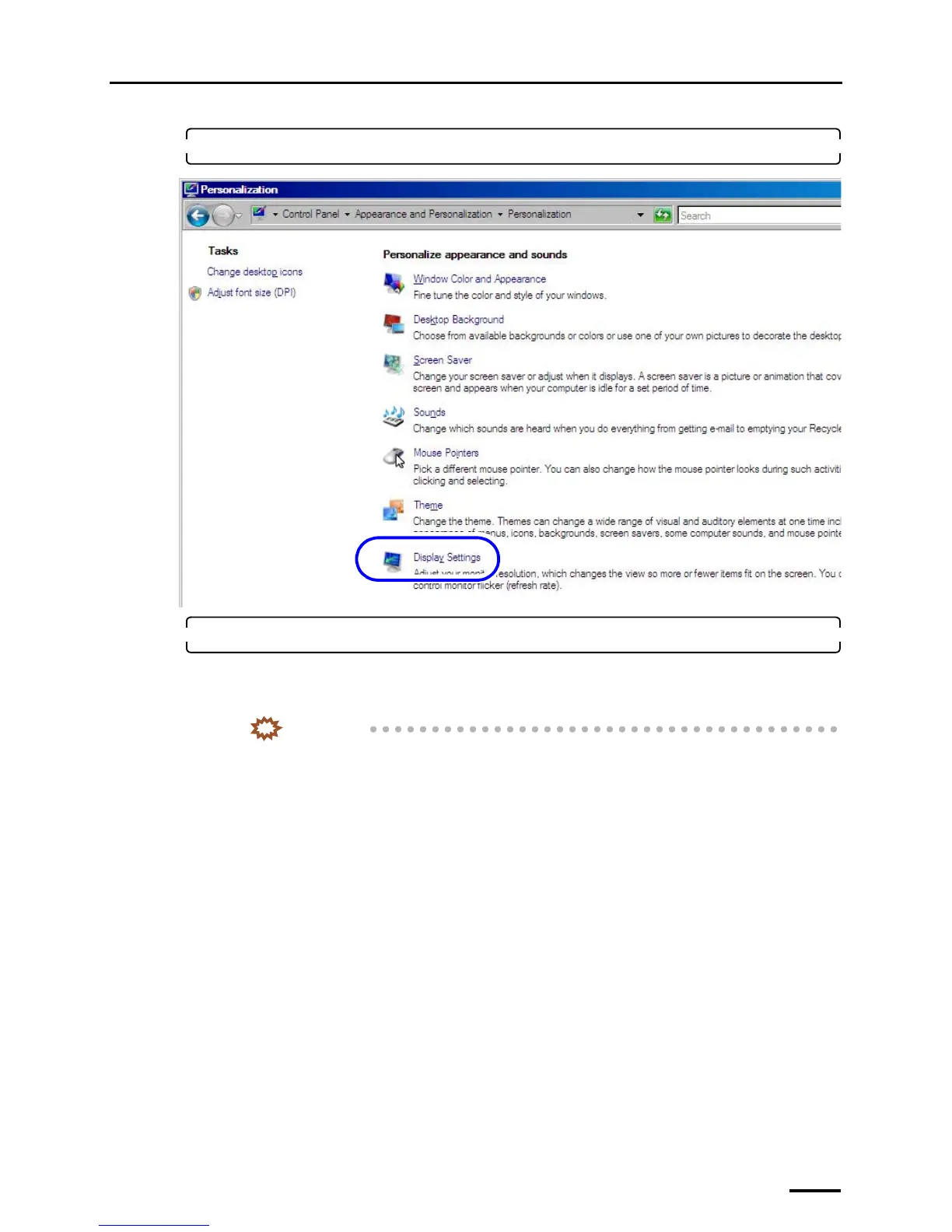
3. Click Display Settings.
4. Configure the Resolution and Colors settings.
Configure the resolution and color settings of the display monitor as shown below.
• Screen resolution
Match the resolution to the recommended resolution of the monitor.
IMPORTANT
• Confirm the recommended resolution in the Operator's Manual of the monitor.
Example:
• If the recommended number of pixels is 1024×768: 1024×768 pixels
• If the recommended number of pixels is 1280×1024: 1280×1024 pixels
• Color quality
High (32 bit)
S091811



 To Next Page