5 Installing the TWAIN driver
44
This completes installing the TWAIN driver.
"
""
" Next, go to • • •
For Windows XP
For Windows Vista
Perform ☞6 Installing the SYSTEM PROGRAM.
Perform ☞7.1 Connecting the power supply.
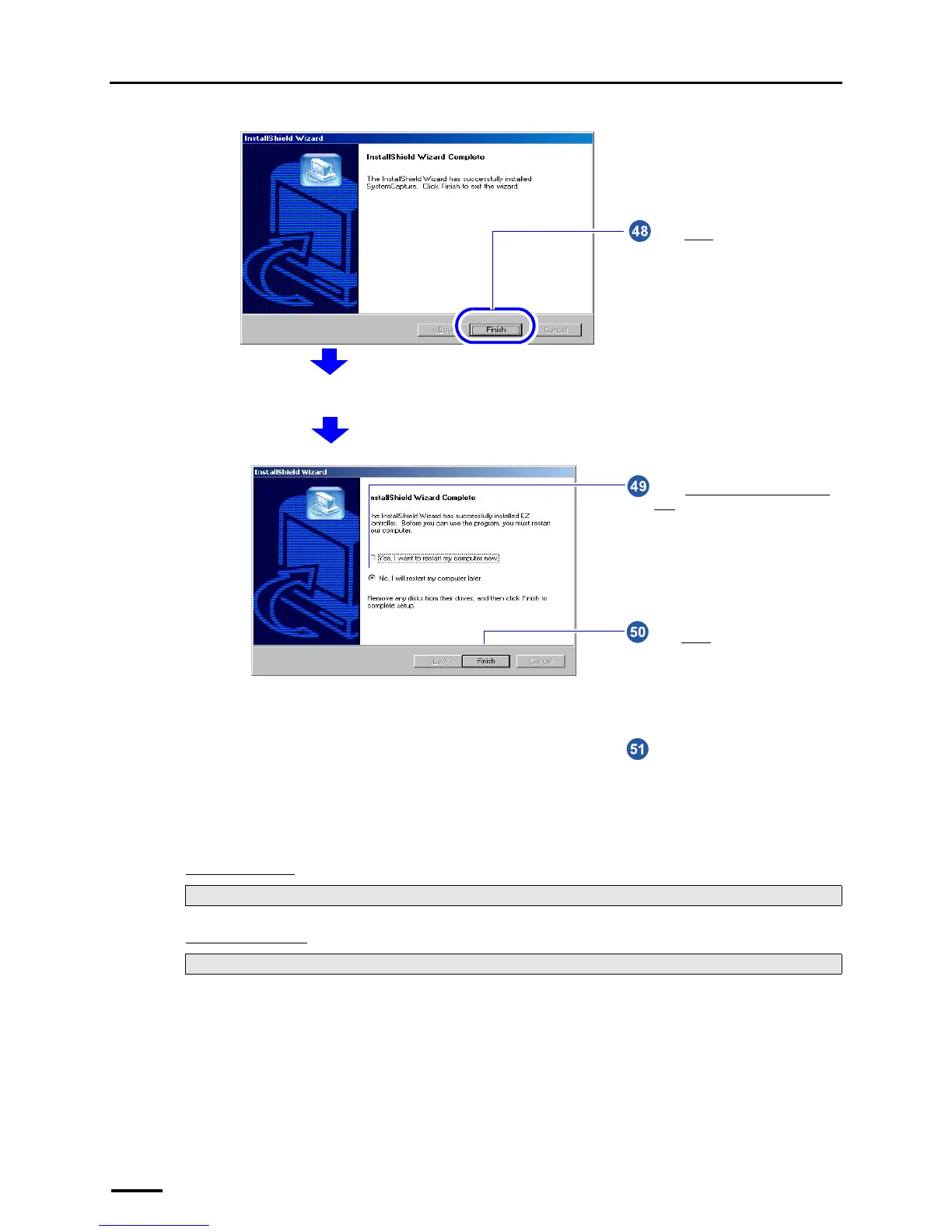
Click Finish.
The completion screen is shown after the installation is finished.
S091238
Click Finish.
Select No, I will restart my computer
later.
Remove the CD-ROM.
S087716



 To Next Page