Safety switch probe failure.
Contact service.
Safety switch probe failure. Contact
service.
Cabinet failure alarm signals (condenser overheat)
Cabinet switched off due to
overheating. Check the
condenser first and clean it
by opening the hatch from
the base and vacuuming the
condenser, if needed. If the
fault persists, contact
service.
Safety switch is on and cabinet lights
off (alarm signal). Check the
condenser first and clean it by
opening the hatch from the base and
vacuuming the condenser, if needed.
Push the FNC button or switch the
cabinet off and then back on.
8888 or other unusual signal on the display may indicate start failure. Disconnect
the cabinet from the mains supply and reconnect it. If the unit does not start
normally, contact the service.
NOTE
4.5.2. Checking temperature settings
1. Press the FNC key briefly.
The text SEtt appears in the display.
2. Press the OK key.
The setpoint value appears in the display.
3. Press the FNC key again to return to normal status.
The normal temperature view also reappears if you do not touch any button for five (5)
minutes.
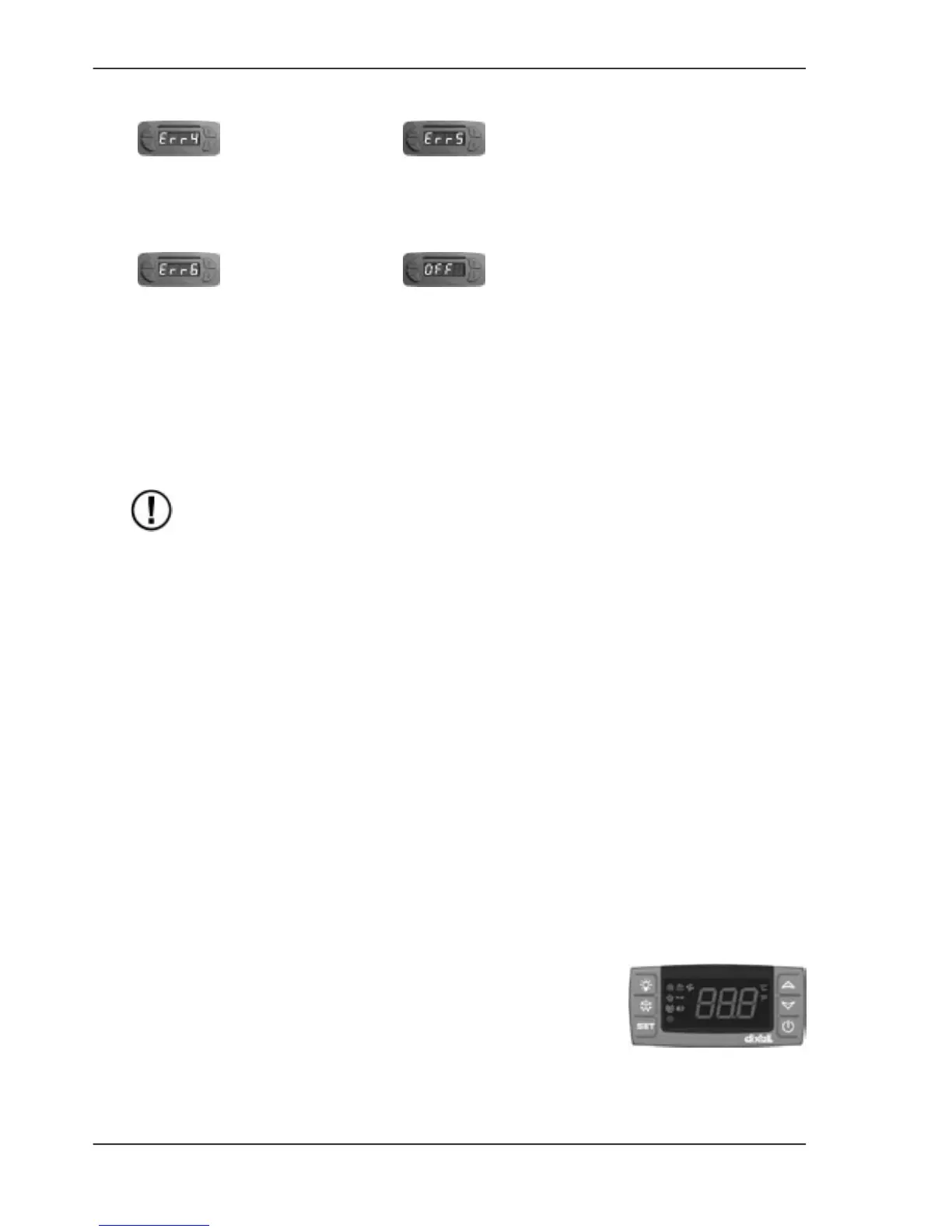
4.6. Dixell XR40CX control device
The type of the control device depends on the cabinet.NOTE
XR40CX is a cabinet controller that automates cabinet defrosting by means of a thermostat and
temperature sensor.
4.6.1. Display messages
In normal status, the display shows cabinet temperature.
8Version 2/2013
ENGLISH
PI


 To Next Page
 Loading...