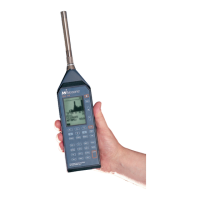
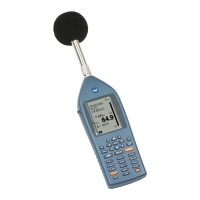
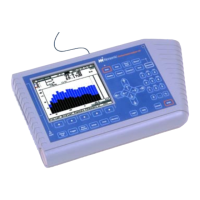
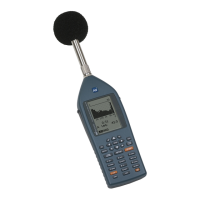
The equipment comes with 3 main leads:
• Firstly, connect the long blue microphone
extension cable at the top of the Nor-145 and
the other end to the microphone & preamplifier
• Secondly, connect the hand switch to the
RS232 port on the right-hand side of the Nor-
145
• Lastly, connect the power cable to the circular
port labelled DC 10-28V & plug into a power
socket
Clip the microphone into the mini-tripod provided.
The opening screen of the 145 consists of an
applications menu.
Select the:
3 min NNR -60s
(3 minute audio & -60s pre-recording)
Note: You can create your own apps too.

 Need help?
 General

 To Next Page