Norstar Doorphone Installation Guide
11
Installation
Step 4: Program Doorphone
Once you have finished programming Norstar Station Port parameters and
connecting the Doorphone, you must specify parameters for the Doorphone's Chime
Type, Volume and, if applicable, Door Opening Capabilities.
Note: It may take up to four minutes for the Doorphone to initialize. The Doorphone
will not initialize or allow programming during an active **CONFIG session. Once
initialization is complete, from a Norstar M7310 or M7324 telephone:
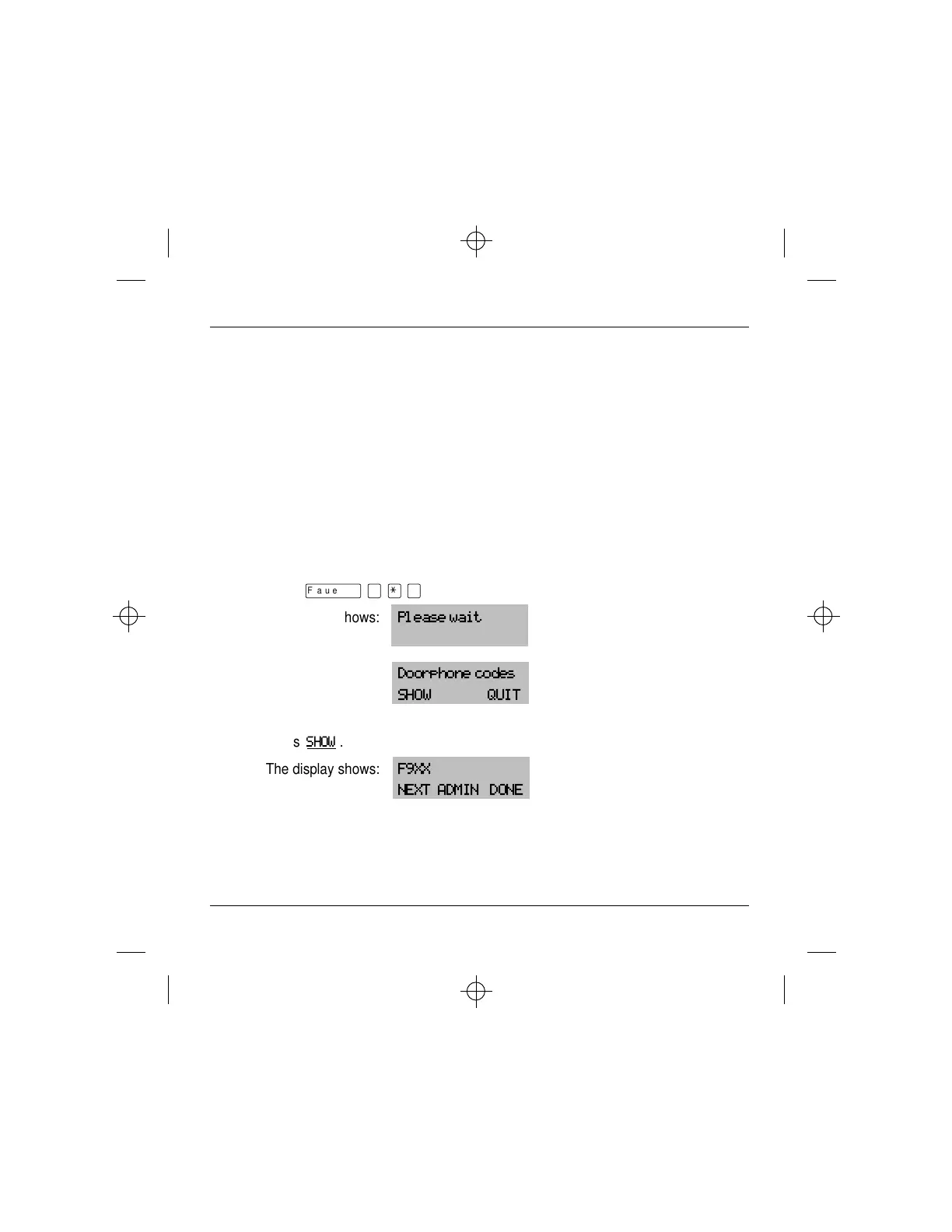
1. Press
ƒ
·
•
›
.
The display shows:
Please wait
momentarily then
Doorphone codes
SHOW QUIT
2. Press
SHOW
.
The display shows:
F9XX
NEXT ADMIN DONE



 To Next Page