Norstar Doorphone Installation Guide
12
Installation
Step 4: Program Doorphone (cont’d)
3. Press
ADMIN
.
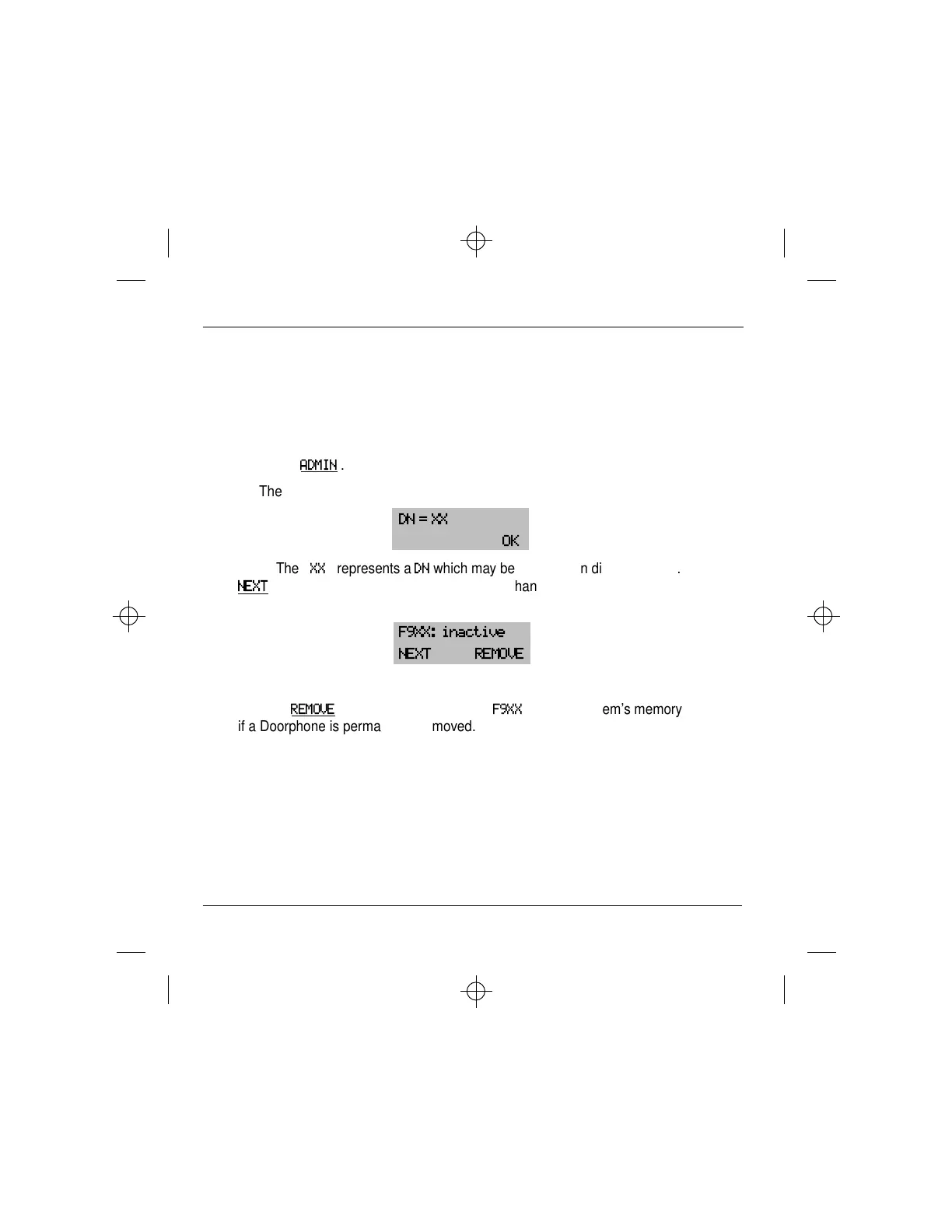
The display shows the intercom number of Doorphone 1:
DN = XX
OK
Note: The
“
XX
”
represents a
DN
which may be up to seven digits in length. The
NEXT
display button will be presented if more than one Doorphone is installed. If the
Doorphone is not connected or fails, the display shows:
F9XX: inactive
NEXT REMOVE
Use the
REMOVE
display button to remove
F9XX
from the system’s memory
if a Doorphone is permanently removed.



 To Next Page