Norstar Doorphone Installation Guide
13
Installation
Step 4: Program Doorphone (cont’d)
4. Press
OK
.
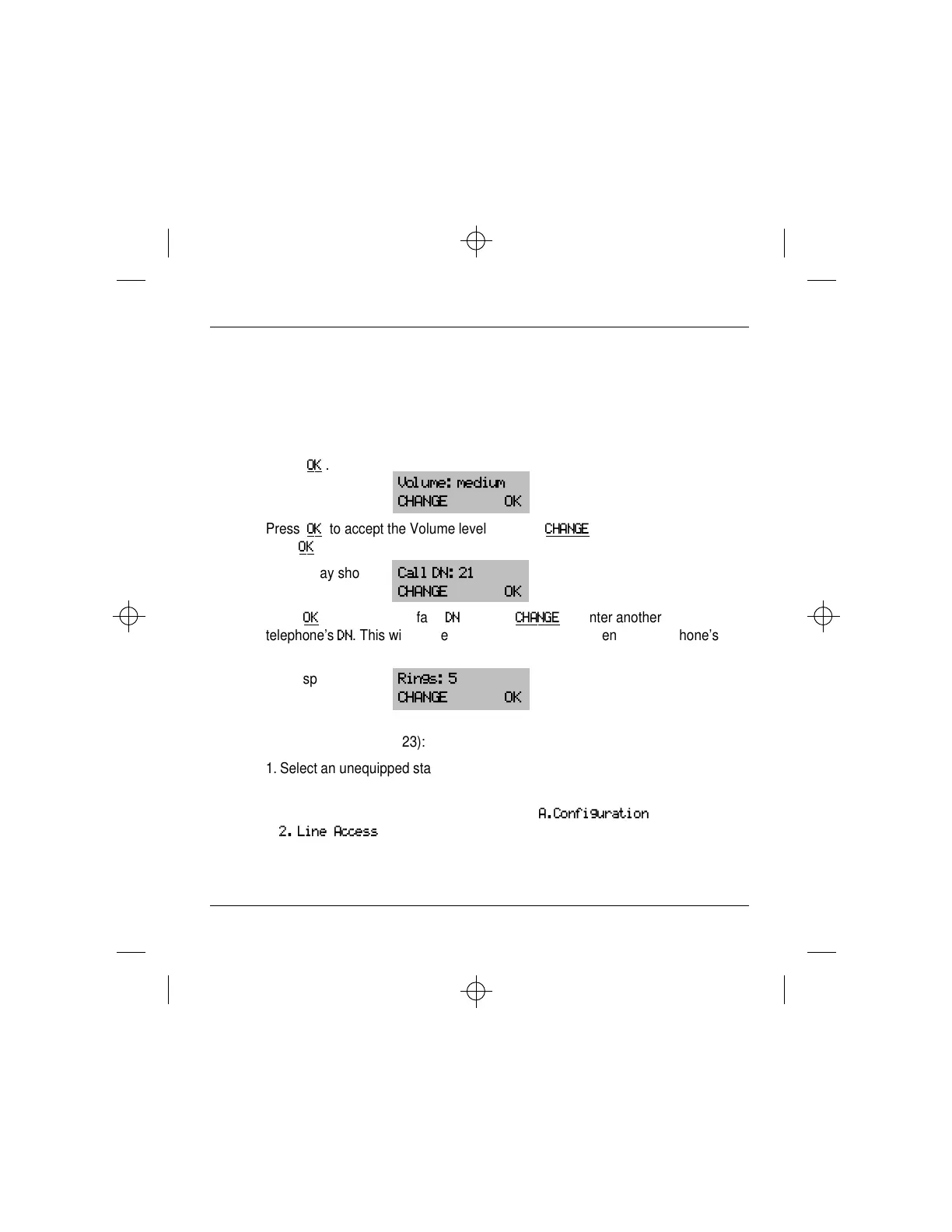
The display shows:
Volume: medium
CHANGE OK
5. Press
OK
to accept the Volume level or press
CHANGE
to select low or high
then
OK
.
The display shows:
Call DN: 21
CHANGE OK
6. Press
OK
to select the default
DN
or press
CHANGE
to enter another
telephone’s
DN
. This will be the telephone which rings when the Doorphone’s
Call button is pressed .
The display shows:
Rings: 5
CHANGE OK
Note: To program the Doorphone to ring several telephones (for example:
telephones 21, 22 and 23):
1. Select an unequipped station port DN (for example: DN 36) as the Call DN in
step 6 above.
2. Enter **CONFIG programming. Navigate to
A.Configuration
,
2. Line Access
for telephone 21. Add an Answer DN for DN 36.


 To Next Page
 Loading...