Norstar Doorphone Installation Guide
4
Installation
Step 2: Program Station Ports
Norstar configuration must be performed before wiring the Doorphone. Startup
defaults can cause the Doorphone to automatically answer incoming calls which
were not intended to be heard over the Doorphone.
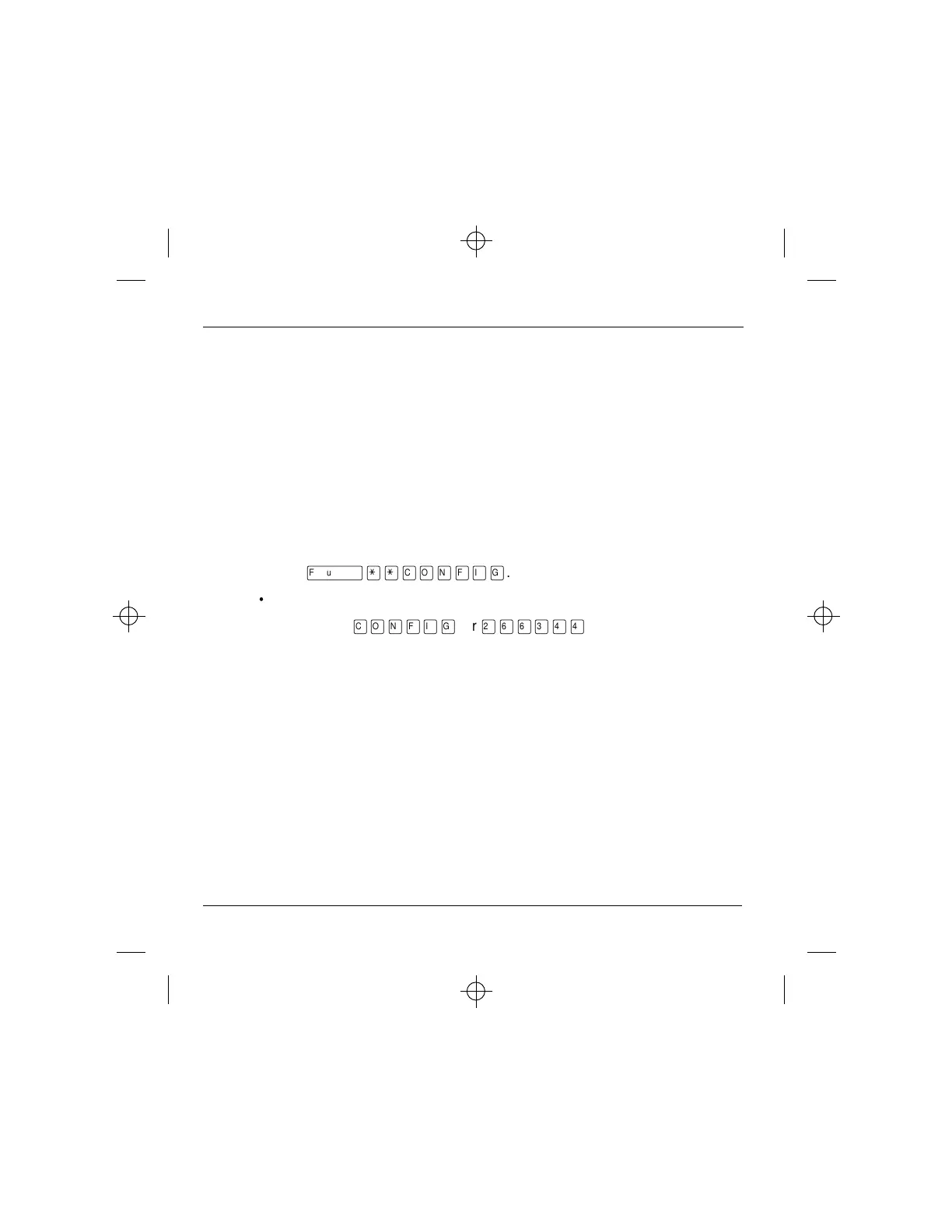
1. Enter Norstar Configuration programming from a Norstar M7310 or M7324
telephone. To do so,
• Press
ƒ••Ç؈ÏÈÌ
.
• Enter the configuration password.
• The default is
Ç؈ÏÈÌ
, or
¤flfl‹››
.



 To Next Page