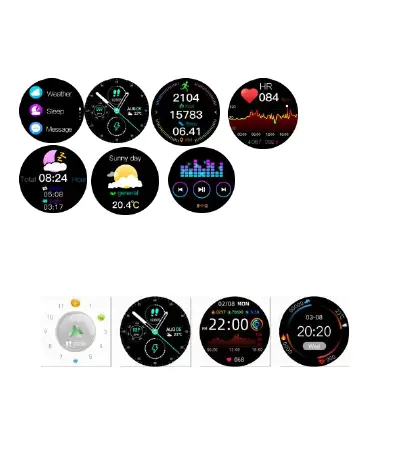
Introduction of smart bracelet functions
Power-on status
switch the menu interfaces of main screen, as the interfaces
shown in the following;
Introduction of main interface functions
After the smart bracelet and APP are first paired, the time and
date of the mobile phone will be synchronized.
Note: Press and hold the screen for 2 seconds on the main
interface to switch between multiple screen dials.
Steps
The step-counting interface shows steps. Wear the smart
bracelet on wrist, and the smart bracelet can automatically
count steps, distance and calories.


 To Next Page