3.4 Save/Load Tune
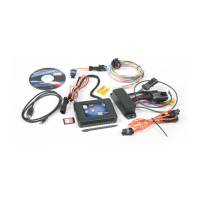
The NOS Mini 2-Stage Progressive Nitrous Controller has the ability to store tunes. For custom tunes, simply configure your tune using
the steps shown above. Insert a micro SD card into the slot on the hand-held and save. The NOS Engineering Team has prepared
tunes which are available on the product page of the vehicle specific kit that you purchased. These tunes are preset to deliver the
optimum performance while maintaining safe operating conditions.
To save a tune:
Insert SD card into the SD card slot located on the side of the hand-held. NOTE: The hand-held will automatically
create an NOS folder within the SD card. Inside the NOS mini folder, you will find a Firmware & Tunes folder.
Alternatively, NOS provides a ZIP folder which has the folder structure pre-made and is loaded with tunes.
Navigate to the Save/Load Tune menu located on the main menu screen.
Press the Save Tune button.
Save Tune As
button, or you can choose to allow the software to save under the default name.
Once complete, press OK.
Your tune is now saved to the SD card.
Downloading Tunes from NOS:
Visit https://www.holley.com/support/nitrous_oxide_systems/ or alternately visit the product page of your specific kit.
Download desired tune.
Insert SD card into computer.
Save desired tune into the TUNES folder found on the SD card.
If the tunes folder is not found, insert your SD card into the handheld and it will create the required folders.
To upload a tune:
With the SD card inserted navigate to the Save/Load Tune Menu
Select the desired tune.
Press upload tune.
Confirm your tune and press OK.
Cycle the power to the NOS Mini 2-Stage Progressive Nitrous Controller.
Your tune is now flashed to the controller and ready for use.
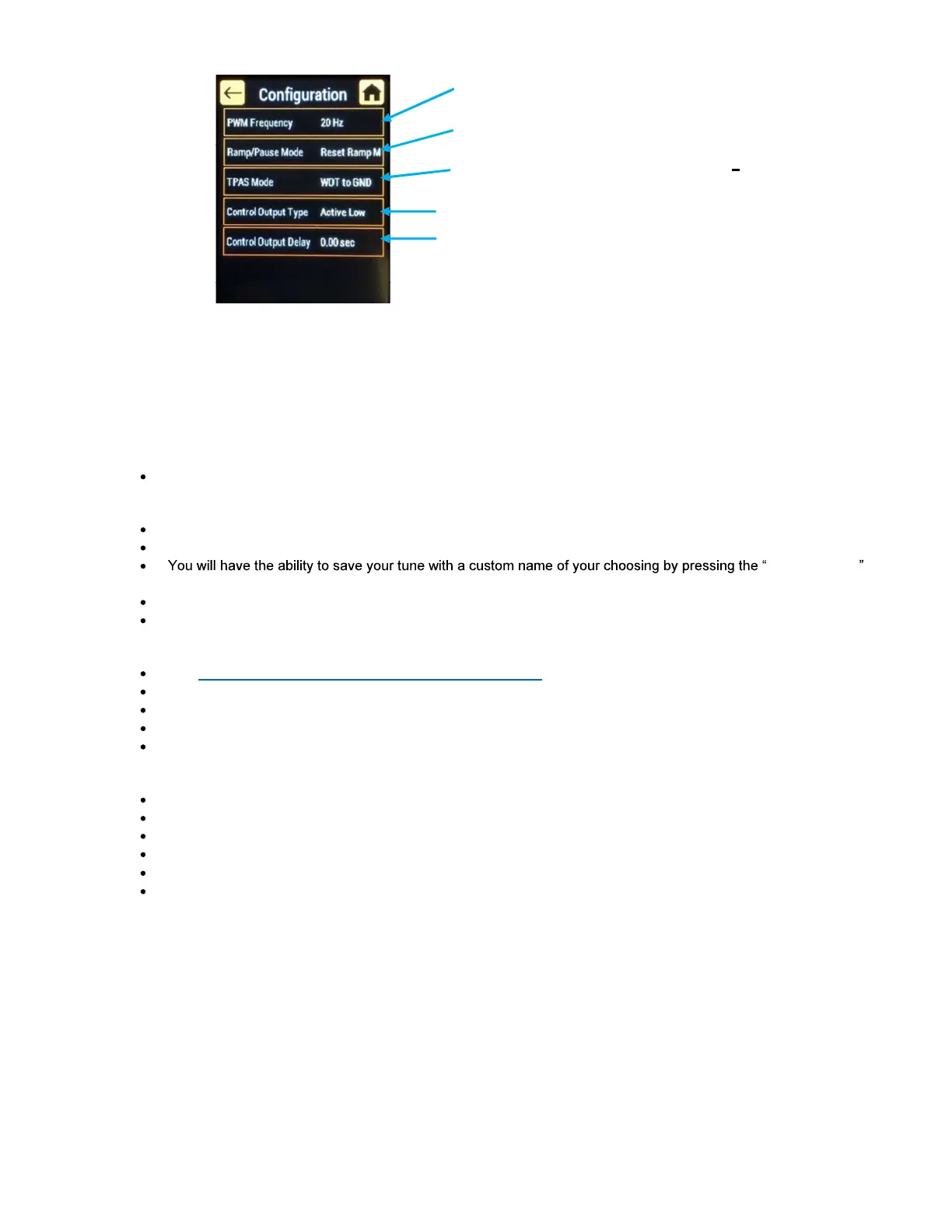
Change the frequency at whi
are driven
controller to either reset or resume
the progressive ramp that has been programmed.
Throttle position activation switch
the type of throttle input.
Changes the output type for the stage
time (in seconds) the controller waits before
tuning on the control output



 To Next Page