Charging
Earbuds
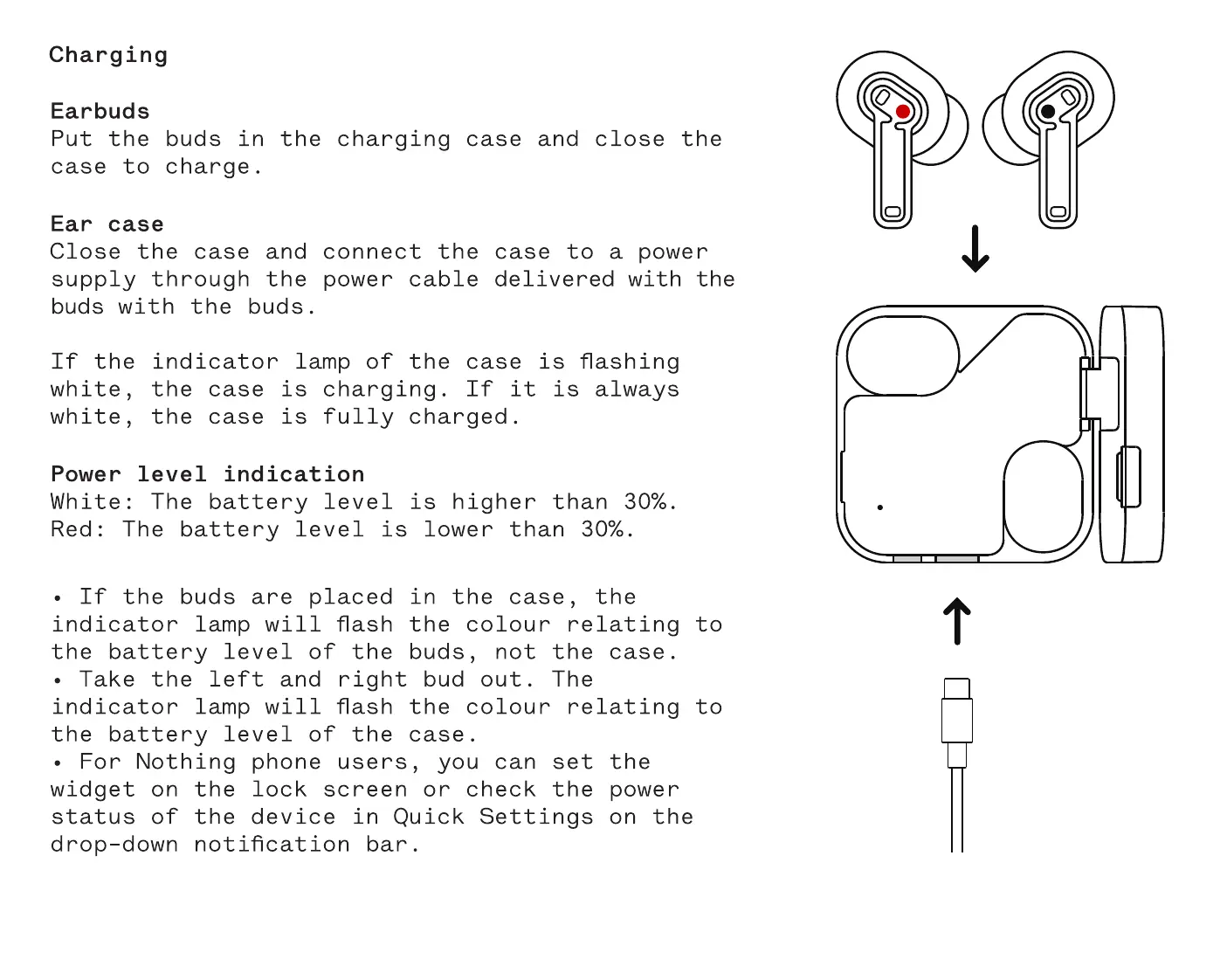
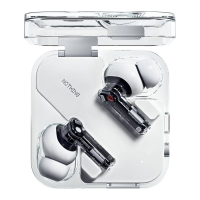
Put the buds in the charging case and close the
case to charge.
Ear case
Close the case and connect the case to a power
supply through the power cable delivered with the
buds with the buds.
If the indicator lamp of the case is flashing
white, the case is charging. If it is always
white, the case is fully charged.
Power level indication
White: The battery level is higher than 30%.
Red: The battery level is lower than 30%.
If the buds are placed in the case, the
indicator lamp will flash the colour relating to
the battery level of the buds, not the case.
• Take the left and right bud out. The
indicator lamp will flash the colour relating to
the battery level of the case.
• For Nothing phone users, you can set the
widget on the lock screen or check the power
status of the device in Quick Settings on the
drop-down notification bar.


 To Next Page