4. Battery
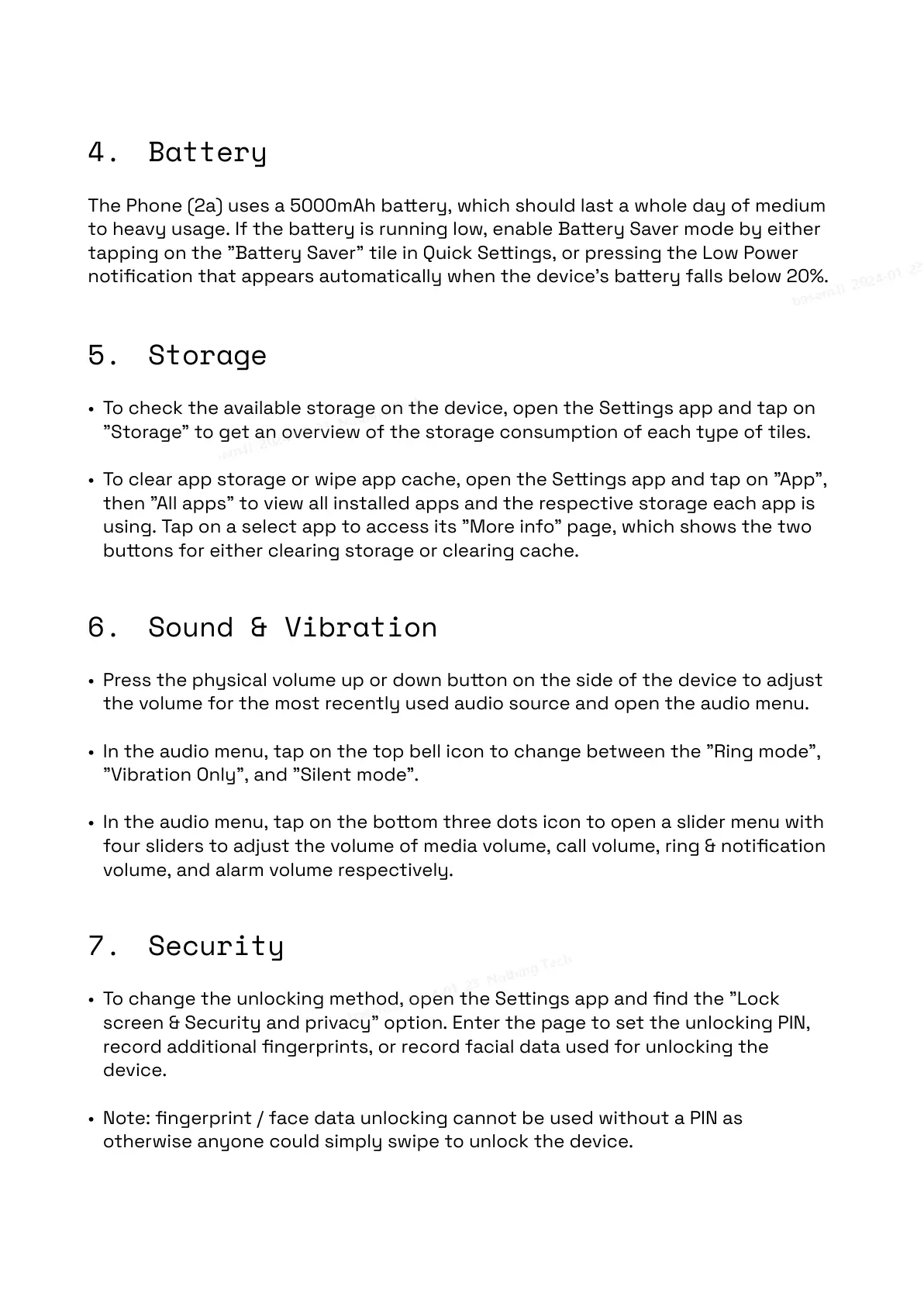
The Phone (2a) uses a 5000mAh baery, which should last a whole day of medium
to heavy usage. If the baery is running low, enable Baery Saver mode by either
tapping on the "Baery Saver" tile in Quick Seings, or pressing the Low Power
notification that appears automatically when the device's baery falls below 20%.
5. Storage
• To check the available storage on the device, open the Seings app and tap on
"Storage" to get an overview of the storage consumption of each type of tiles.
• To clear app storage or wipe app cache, open the Seings app and tap on "App",
then "All apps" to view all installed apps and the respective storage each app is
using. Tap on a select app to access its "More info" page, which shows the two
buons for either clearing storage or clearing cache.
6. Sound & Vibration
• Press the physical volume up or down buon on the side of the device to adjust
the volume for the most recently used audio source and open the audio menu.
• In the audio menu, tap on the top bell icon to change between the "Ring mode",
"Vibration Only", and "Silent mode”.
• In the audio menu, tap on the boom three dots icon to open a slider menu with
four sliders to adjust the volume of media volume, call volume, ring & notification
volume, and alarm volume respectively.
7. Security
• To change the unlocking method, open the Seings app and find the "Lock
screen & Security and privacy" option. Enter the page to set the unlocking PIN,
record additional fingerprints, or record facial data used for unlocking the
device.
• Note: fingerprint / face data unlocking cannot be used without a PIN as
otherwise anyone could simply swipe to unlock the device.


 To Next Page