22 PIT WIZARD INSTRUCTION MANUAL
DOWNLOADING PARAMETERS (CONT.)
4. Press the {MODE} button until you reach the Download Data
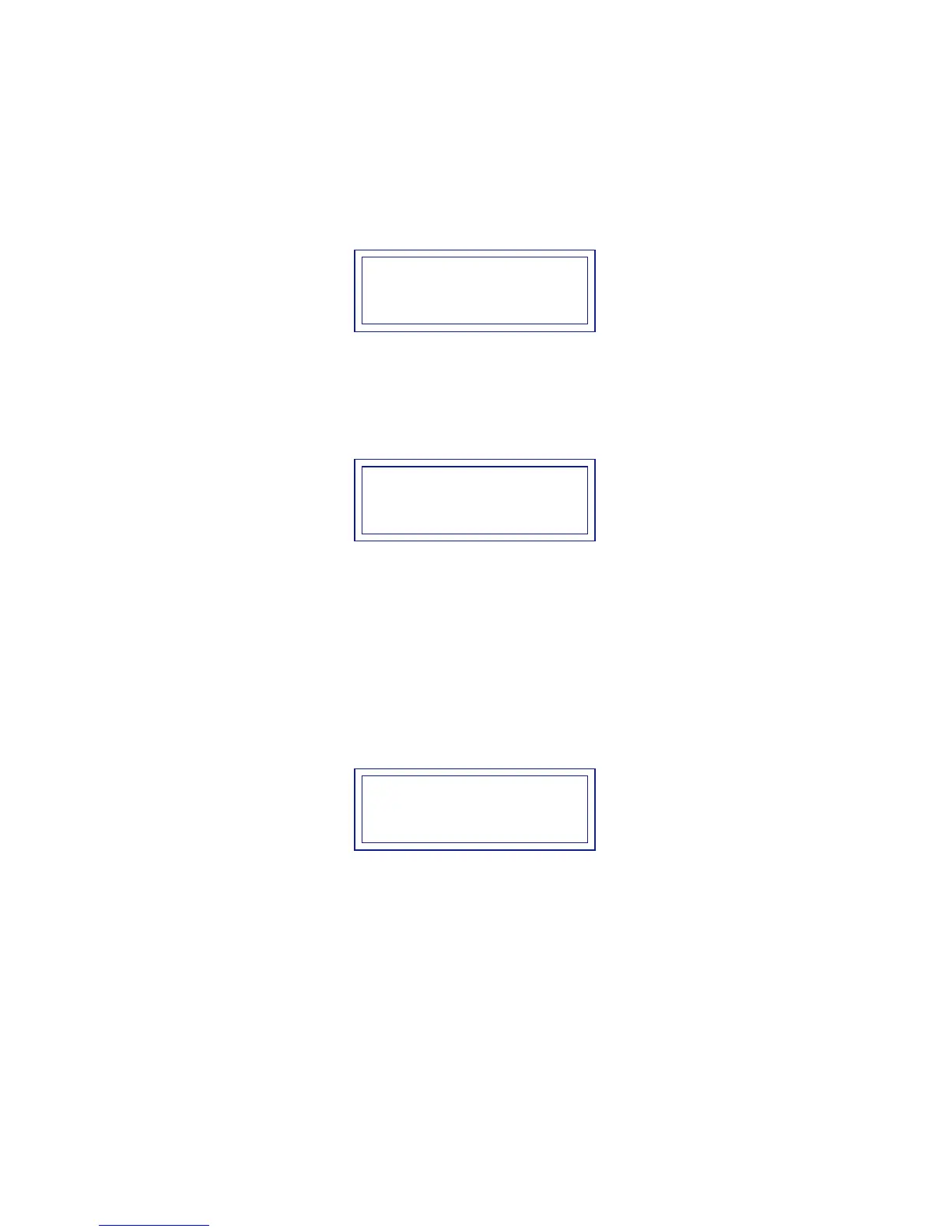
main menu mode and the following is displayed:
3 Download Data
5. Press the {ENTER} button to download the new parameters.
Display will indicate when Profile 4 has been downloaded to
the Cyclone speed control:
3 Download Data
***DONE***
Note: If the display reads “COMM ERROR” when attempting to Down-
load, press and hold the {MODE} button until you hear a steady tone,
then release. You will exit back to the Pit Wizard’s start-up screen, no
Profile data will be lost. Check connections and repeat Download.
6. Press the {MODE} button to exit back out to the main menu.
Display will advance to the next main menu option:
4 Read Profile
Your custom designed Racing Profile has now been downloaded
to your Cyclone and is the active Profile in the speed control!


 To Next Page