3. Register and Download the Included Software
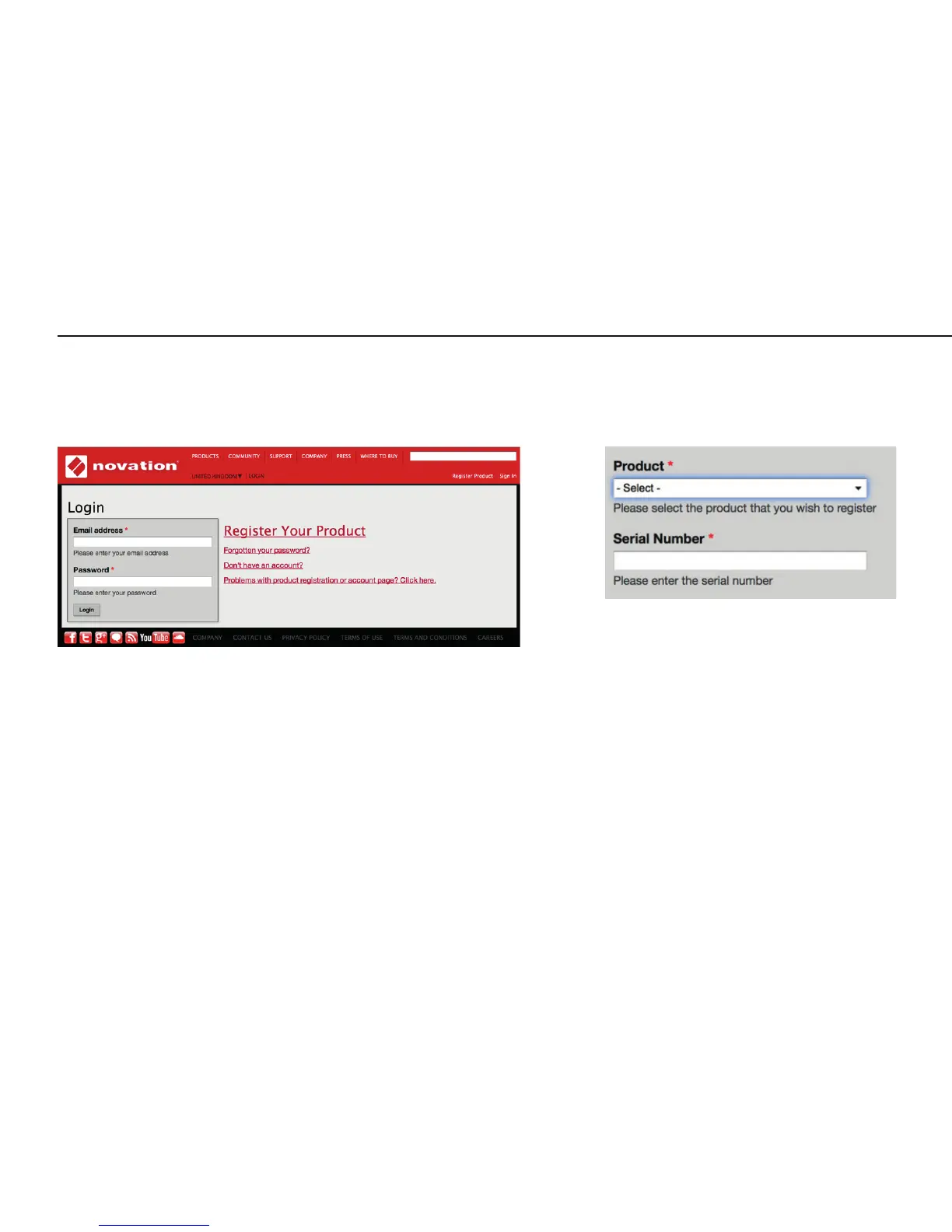
Go to novationmusic.com/register and click Register Your Product
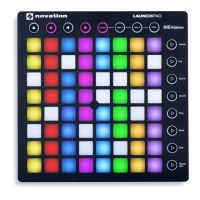
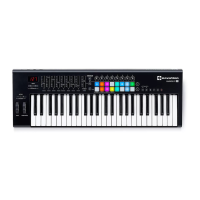
Select Launchkey MK2 from the dropdown list and enter your serial number. You can find it on the label on the underside of your Launchkey.
It is 12 or 13 characters long, the first 3 characters can be numbers or letters, but the rest will only be numbers.
Your serial number is not the same as the software bundle code.
Then click “Get My Stuff” to download your software. If you don’t have a Novation account, we will ask for a few details.
Get Started






 To Next Page