5. Quick Configure
In Ableton Live, go to the menu and click Preferences. From the list of tabs on the left, click the MIDI / Sync tab and you will see the following:
Click the first drop down box under Control Surface.
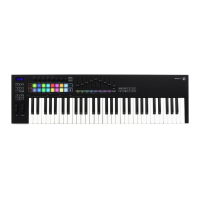
Choose Launchkey MK2 from the list.
Under Input and Output select
Launchkey MK2 (Launchkey InControl).
Get Started






 To Next Page
