12
382 South Abbott Ave, Milpitas, CA 95035, USA • www.nuforce.com
EMAIL: salesteam@nuforce.com
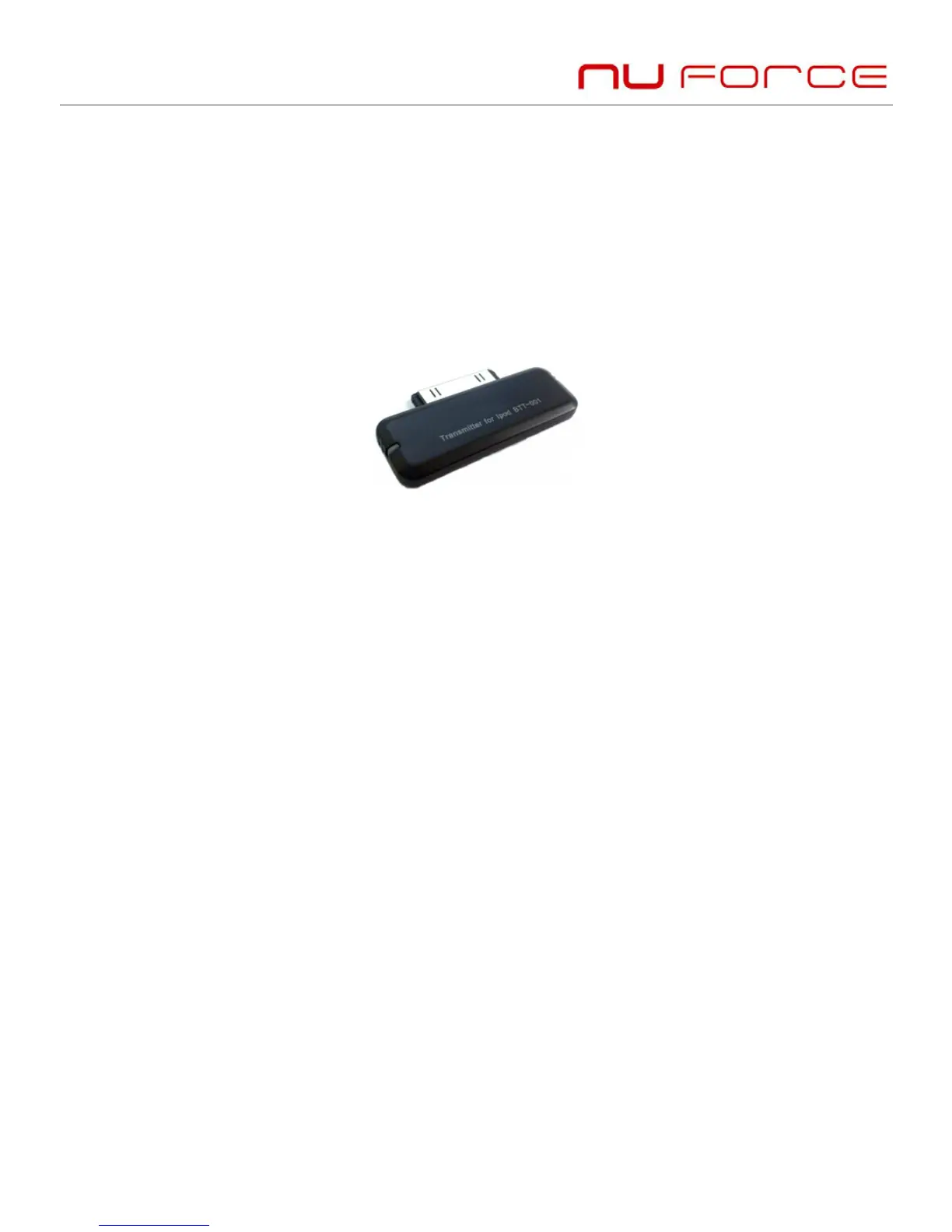
3) Turn on the Bluetooth transmitter. It will automatically search for
Bluetooth devices and send a pairing request;
4) When the headset requests a PIN, the transmitter will
automatically respond “0000”;
5) After successful pairing, the headset’s blue LED flashes once or
twice every eight seconds.
Remarks:
The the headset’s pairing password is “0000”. Therefore, the
headset can pair only with a Bluetooth transmitter whose
pairing password is “0000”.
If pairing fails after several tries, refer to the Bluetooth
transmitter’s manual for further information.
Multi-pair
The headset can connect with two devices at most: one, a Bluetooth
mobile phone supporting HFP profile; the other, a Bluetooth music
device supporting A2DP profile. If you wish to complete multi-
pairing, refer to the following steps:
1) First, pair the headset with a Bluetooth transmitter (refer to
“pairing the headset with a Bluetooth transmitter”);
2) Switch off the Bluetooth transmitter;


 To Next Page