Caution
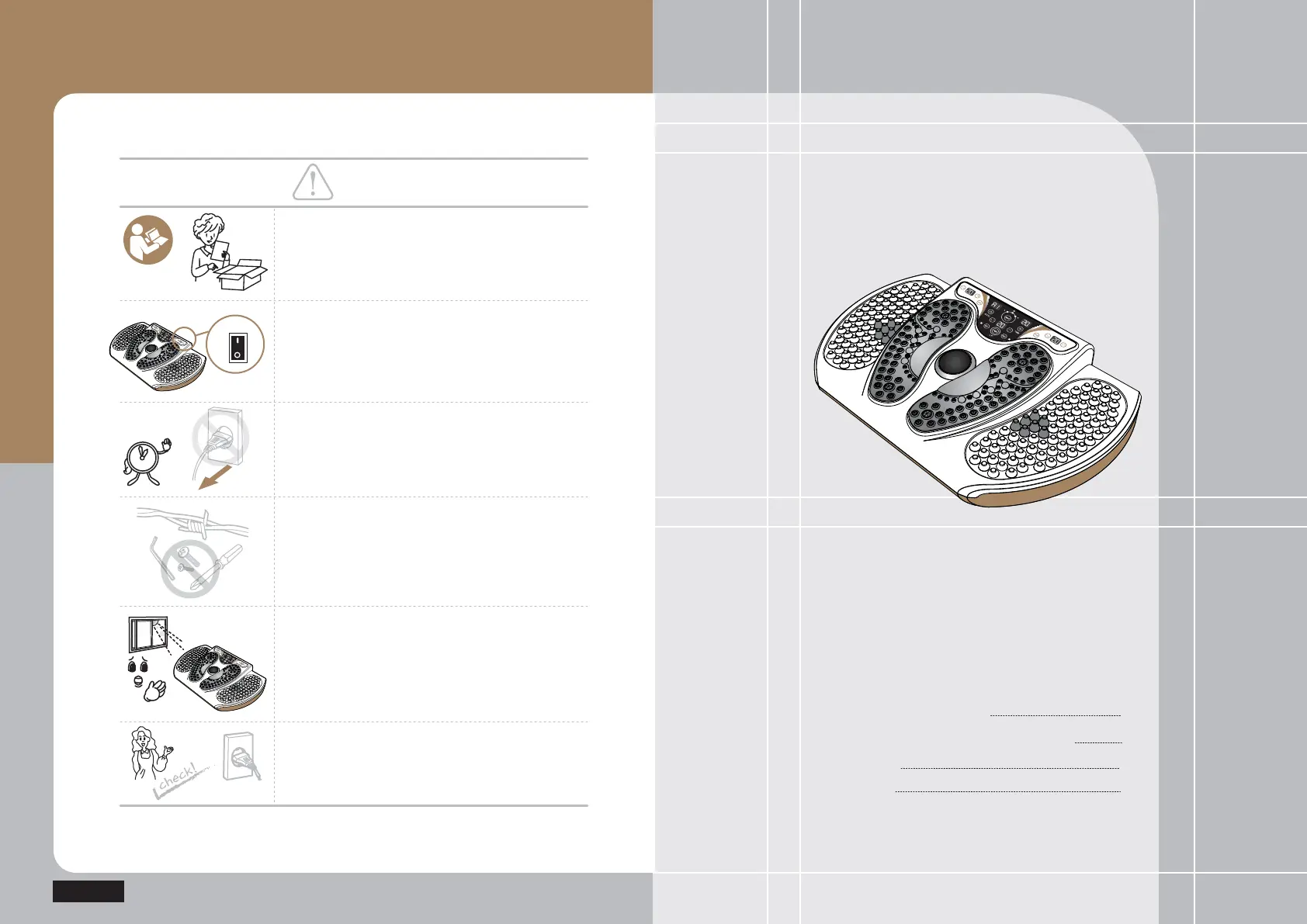
Please abide by defined time and methods.
When the product is not used, push the power button
on the back of the product to turn off the power.
(Otherwise, it might cause a thermal damage
of the product.)
Separate the power cord while the product
is not being in use for a long time.
Keep any pin, wire or other metallic pieces from
stabbing or inserting to the product.
(Otherwise, it might cause damage to the product.)
Do not expose the product to the direct sunlight.
(Otherwise, it might cause damage to the product.)
Check out the voltage before any use to ensure the
applicable voltage and apply the power plug to the
dedicated socket in any way.
User manual
E5
E5
Product Components
Names and Functions of Product
Main body
Controller
8
9
10
12
Product Introduction
ON
POWER
OFF



 To Next Page