Need help?
Do you have a question about the Nulaxy NX10 and is the answer not in the manual?
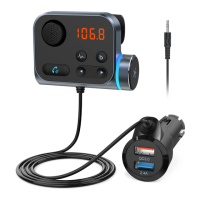
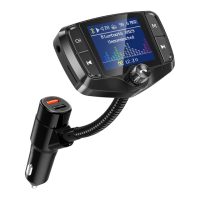
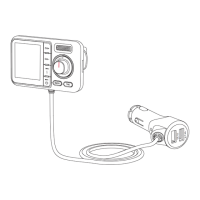
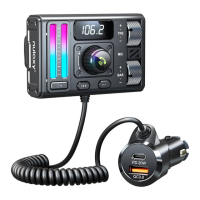
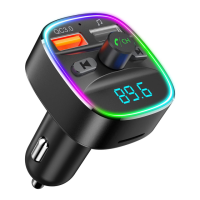
Identifies key parts: QC3.0 port, microphone, USB/microSD ports, buttons, and screen.
Details the purpose of buttons like Next Song, Previous Song, and Multifunction.
Instructions for play, pause, answer, reject, and hang up calls.
How to skip tracks and change FM frequencies.
Adjusting audio volume and selecting LED light colors.
Steps for plugging in, powering on, and pairing with your phone.
Matching FM frequencies and transmitting audio/calls.
Advice on automatic reconnection, audio quality, and interference.
Recommendation to remove device to prevent battery drain.
Regulatory compliance details and modification warnings.
FCC limits for installation and operation distance.
Guidance on responsible disposal of electronic waste.
 General
| Bluetooth Version | 5.0 |
|---|---|
| Transmission Range | 10m |
| TF Card Capacity | Up to 32GB |
| Compatibility | iOS, Android, Windows |
| Bluetooth Protocol | A2DP, AVRCP, HFP, HSP |
| FM Frequency Range | 87.5MHz-108.0MHz |
| Supported Audio Formats | MP3, WMA, FLAC, WAV, APE |
| Range | 10 meters |
| Battery Life | Up to 10 hours |

 To Next Page