Need help?
Do you have a question about the NULEA M507B and is the answer not in the manual?
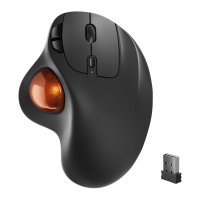
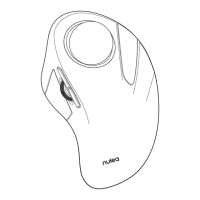
Button to adjust mouse sensitivity (DPI) levels.
Button to change between connection modes (2.4G, BT1, BT2).
Power switch to turn the mouse on or off.
 General
| Connectivity | Wireless |
|---|---|
| Interface | USB |
| Buttons | 6 |
| Color | Black |
| Model | M507B |
| DPI | 800/1200/1600 |
| Battery | AA Battery |


 To Next Page