NIBBLE 0x3 Assembly Instructions Rev03 10.22.20
2 ASSEMBLY STEPS
Important! Notes marked with this icon are crucial, so be sure to read them carefully
before moving on.
Steps marked [OPTIONAL] aren’t required for the base kit, but may be needed depending on
what you choose to include in your build.
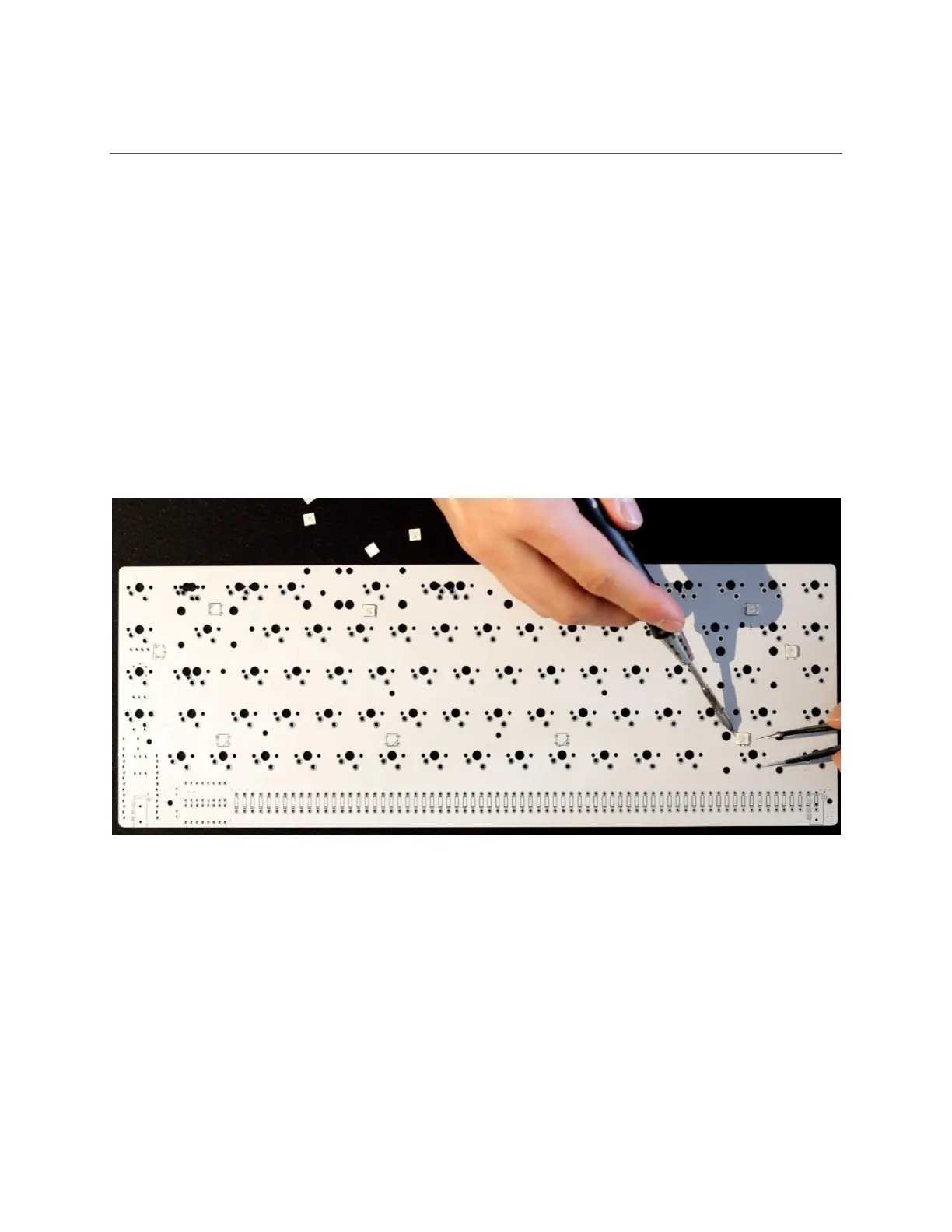
2.1 [OPTIONAL] SOLDER UNDERGLOW LEDS
Solder the 10x WS2812B underglow LEDs. Start by tacking down one corner, and then soldering
the remaining 3 leads. After soldering, clean with rubbing alcohol.
Orientation matters! These parts have a small angled mark which should match up with
the one on the PCB. If you don’t get the orientation right, the LEDs will not work, and your
keyboard may not boot up.



 To Next Page