30
INPUT AND OUTPUT SOURCE SELECTION
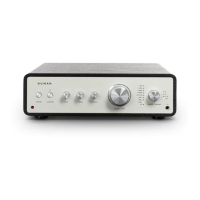
1. Input source selection: Turn the
SOURCE/SPEAKER knob on the front of the unit or press and hold the
INPUT UP/DOWN buttons on the remote control until the LED next to the desired input source lights.
OPT Optical digital audio output apparatus
COAX Coaxial digital audio output apparatus
TUNER Radio
PHONO Turntable
CD/DVD CD/DVD Player
LINE 1
External source with AUX connectionLINE 2
LINE 3
BT BT device
2. Output source selection: Press the VOLUME/MUTE button once to switch to the output source. Then, turn
the
SOURCE/SPEAKER knob on the front of the unit or press the SPEAKER UP/DOWN buttons on the
remote until the LED next to the desired output source lights.


 To Next Page