EasyManua.ls Logo

Numan Drive - User Manual

Numan Drive
92 pages
Go to English
Print Icon
To Next Page IconTo Next Page
Loading...
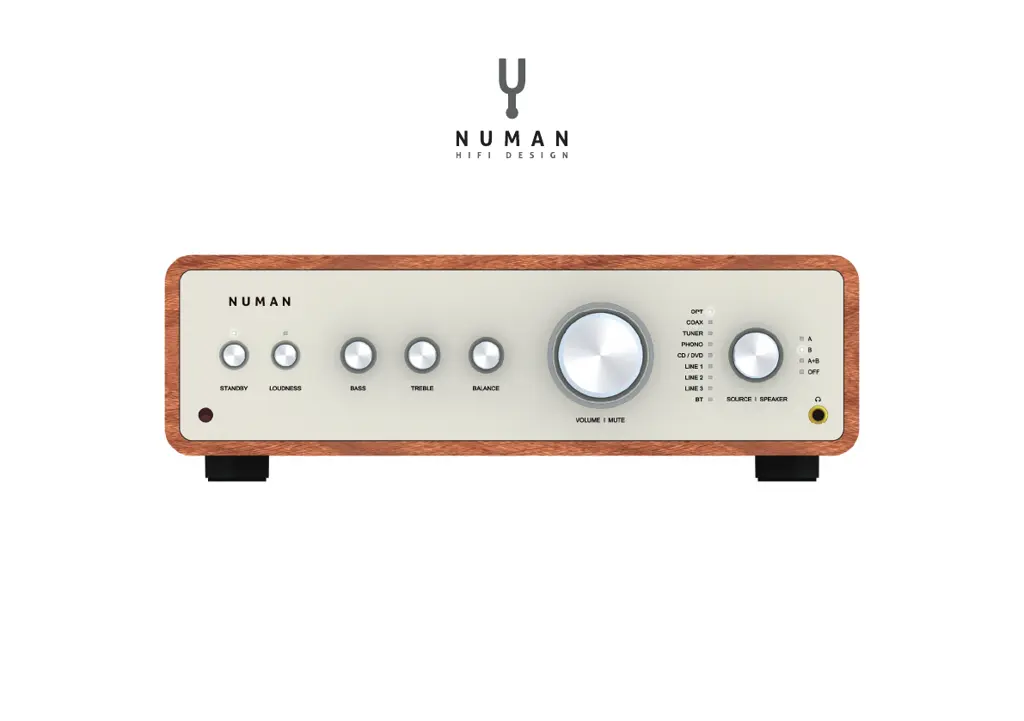
NUMAN Drive
Benutzerhandbuch
www.numan-hi .com

Questions and Answers

Summary

Technical Data and Packing Content

Safety Instructions

Product Overview and Controls

Commissioning and Operation

Connecting the Power

Connect the power cord to the amplifier and wall outlet. Move power button to 'ON' position.

Turning On

Activate amplifier via STANDBY button on unit or remote. LED indicator turns white when active.

Input and Output Source Selection

Sound Settings and Volume Control

Bass and Treble Adjustment

Explains how to adjust bass and treble levels using front panel knobs.

Volume and Mute Operation

Details volume adjustment via front panel knob or remote, and the mute function.

Bluetooth Connection

Inputs and Outputs

Analog Inputs (AUX)

Instructions for connecting source devices with analog audio via RCA jacks.

Digital Inputs (Optical & Coaxial)

Guidance on connecting digital audio sources using optical or coaxial cables.

Speaker Output and Cleaning

Speaker Output Connection

Instructions for connecting speakers, emphasizing polarity and wire type.

Cleaning and Care

Provides instructions on how to clean the product using a soft, moist cloth and mild detergent.

Troubleshooting

Disposal

Declaration of Conformity

Numan Drive Specifications

General IconGeneral
BrandNuman
ModelDrive
CategoryAmplifier
LanguageEnglish