INSTRUCTIONS (STORAGE UNIT)
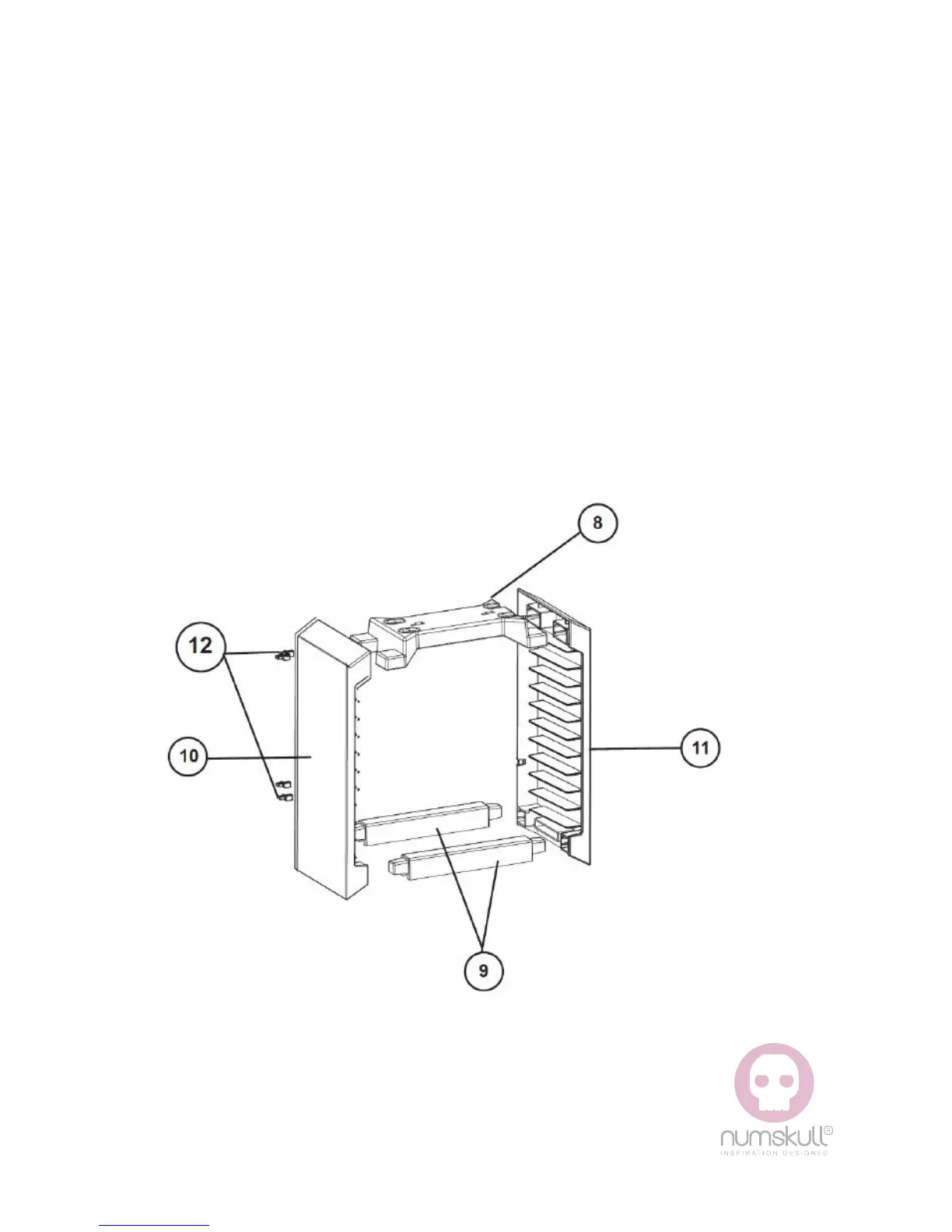
• Slide the 2 x Bottom sections (9) into the Left Side section
(10) and Top section (8) as shown
• Carefully position Right side section (11) in line with
assembly and attach firmly
• Do not apply excessive force when attaching sections. They
should slide together with relative ease.
• Position the game storage assembly in a standing position
then place the Charging Base (1) on top and slide it to the
left until it locks into place. This is a tight fit and once locked
in place cannot be removed again unless unlocked by sliding
to the right.
1x Top Section (8)
1x Left Side Section (9)
Clips (to hold charging wire) (12)
2x Bottom Section (9)
1x Right Side Section (10)



 To Next Page