Page 6 of 54
4. Main switch
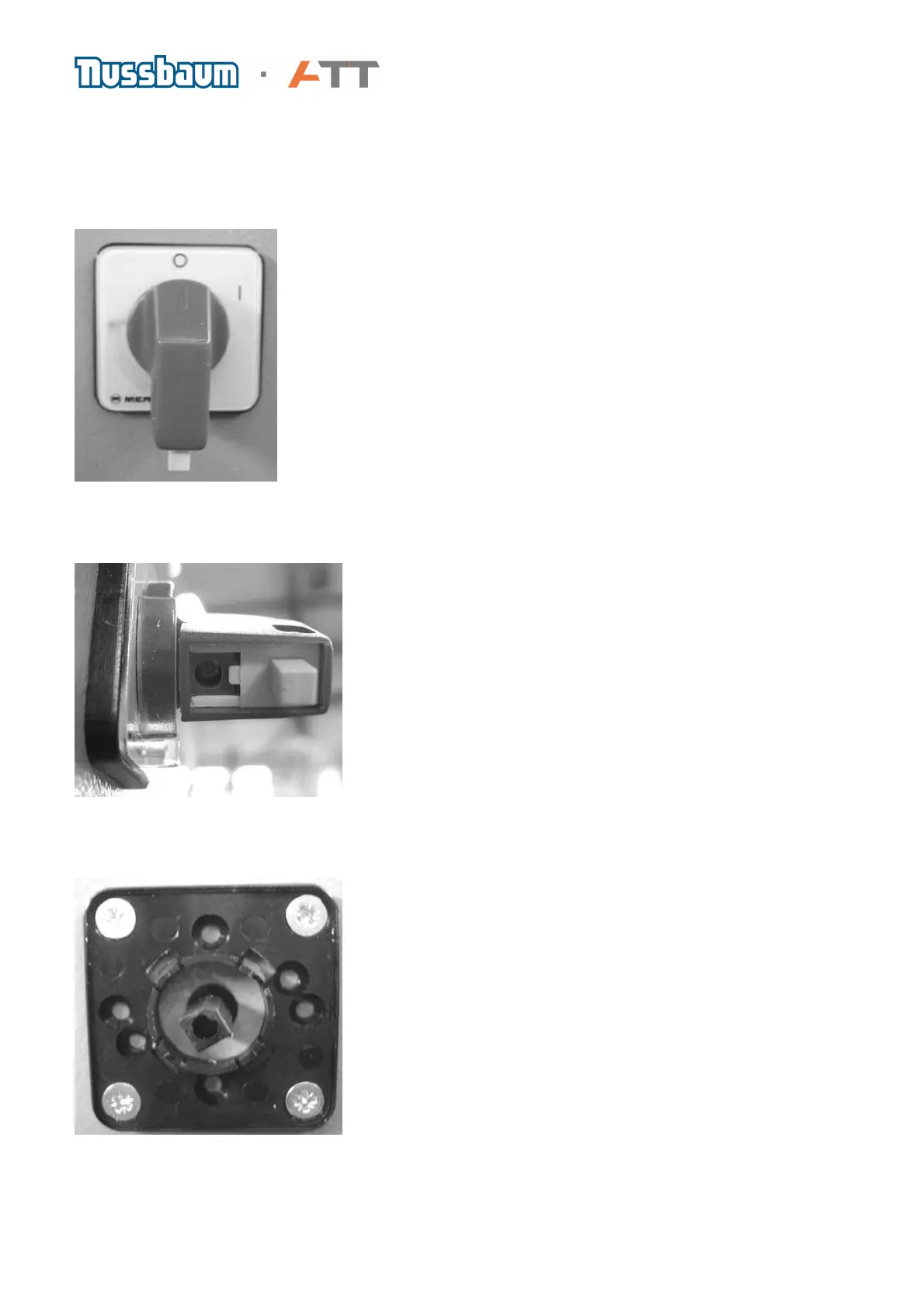
a) The main switch can be found on the left side of all machines. It can also be used as an
emergency off switch. Before any repairs are carried out to the machine please do not forget to:
DISCONNECT MAINS PLUG!
b) In order to remove the main switch, loosen the small screw as seen in the picture and pull on
the lever.
From the outside you will now see four screws on the cabinet wall, which secures the main body
of the switch. Loosen these screws to remove the element.



 To Next Page