14
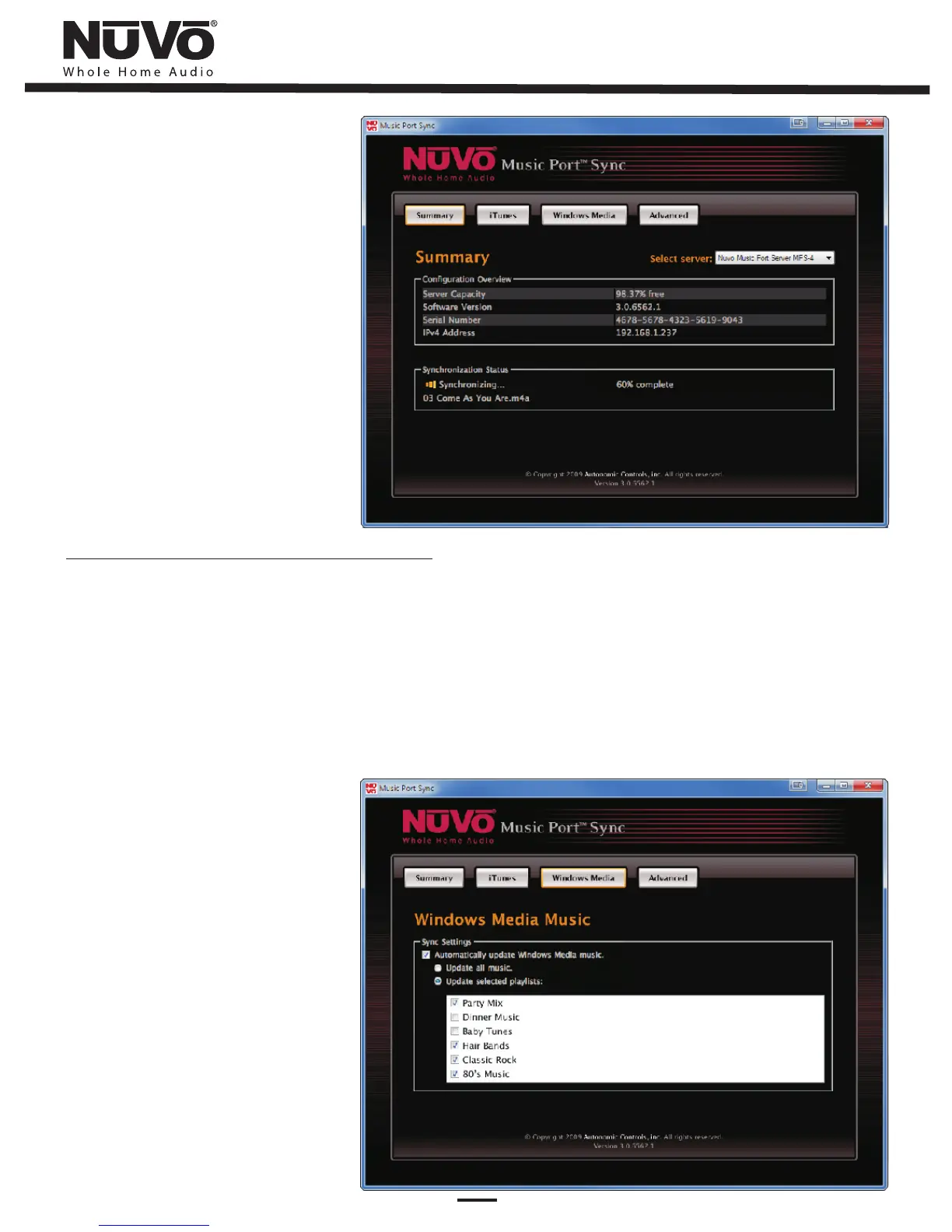
Fig. 2
Adding Windows Media Player Music
Select the box labeled Windows Media. A new screen will display all playlists
created in Windows Media Player (Fig. 3). If using Windows Media Player to catalog
all your music files, you can choose to have all music files and playlists synced to
the Music Port Server. You may also choose to only sync playlists you have
manually selected. Once you have chosen the option that best suits your needs
you may exit the Music Port Sync software. The Music Port Server will
automatically monitor Windows Media Player and update its contents accordingly.
Fig. 3


 To Next Page