18
IV. Mac Support
The Music Port Server is designed to work with both PC’s and Mac’s. However the
automated synchronization software tool, Music Port Sync, is not Mac compatible.
So music files playable on the server must be manually added from computers
around the home connected to the network.
Managing Music Library from a Mac Computer
The Music Port Server has a Music Folder that is shared and viewable on the
home’s network. Accessing the shared music folder is very straightforward on a
Mac based computer.
a. Click Finder.
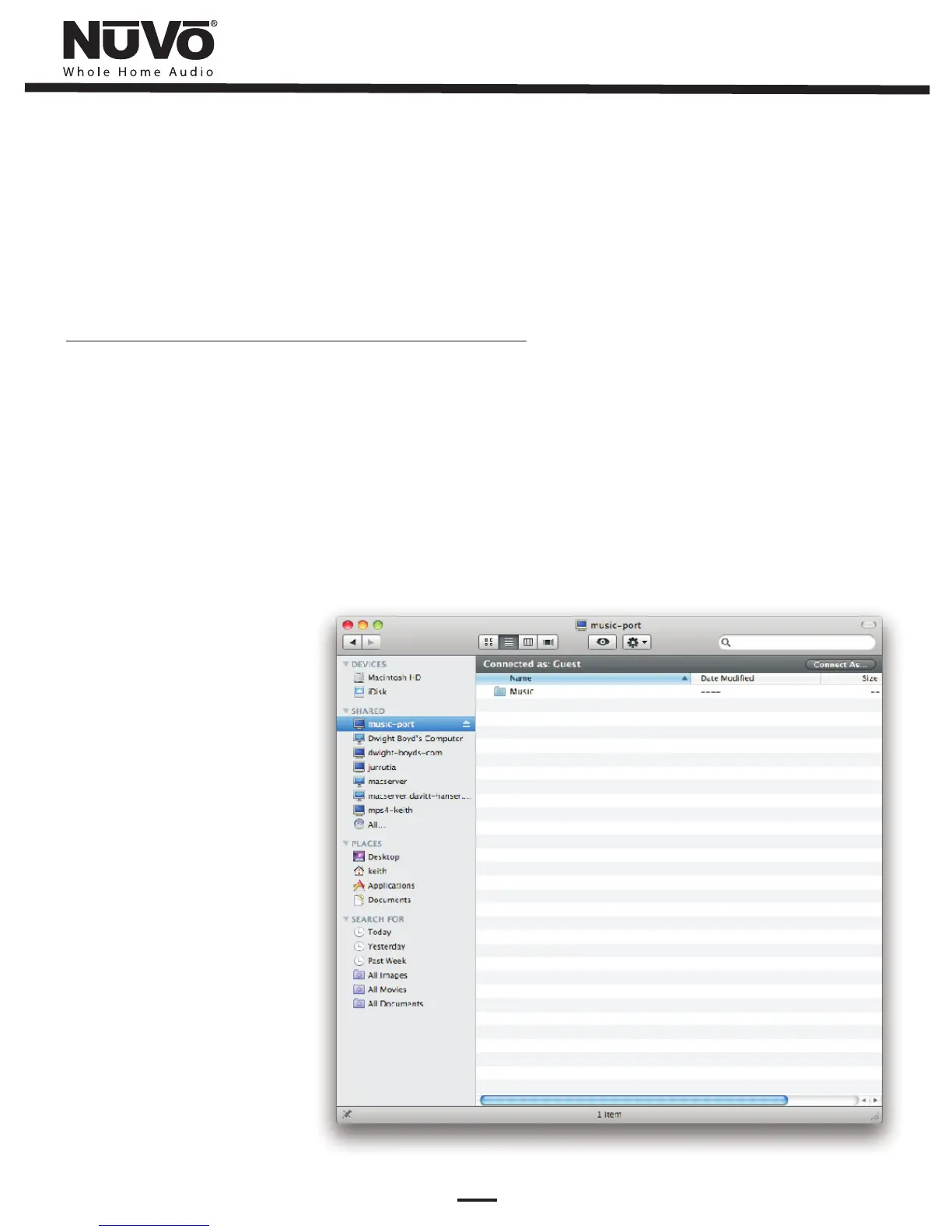
b. Select the Music Port Server in the Shared box of the Finder window (Fig 8). The
default name is music-port.
c. Select the Music folder to view the music files currently on the Music Port Server.
d. While viewing the Music folder you may drag and drop or copy and paste any
new music files you would like to add to the Music Port Server.
Fig. 8


 To Next Page