Play an album by clicking the to add it to the playing queue or click and
hold to move it to the top of the queue and play it immediately.
Click on the album art to view and select that album's tracks individually.
Searching by Artist
The Artists button displays all artists in the library associated with
the Music Port source alphabetically .
(Note: This button will be grayed out when album information is not available for
the current source.)
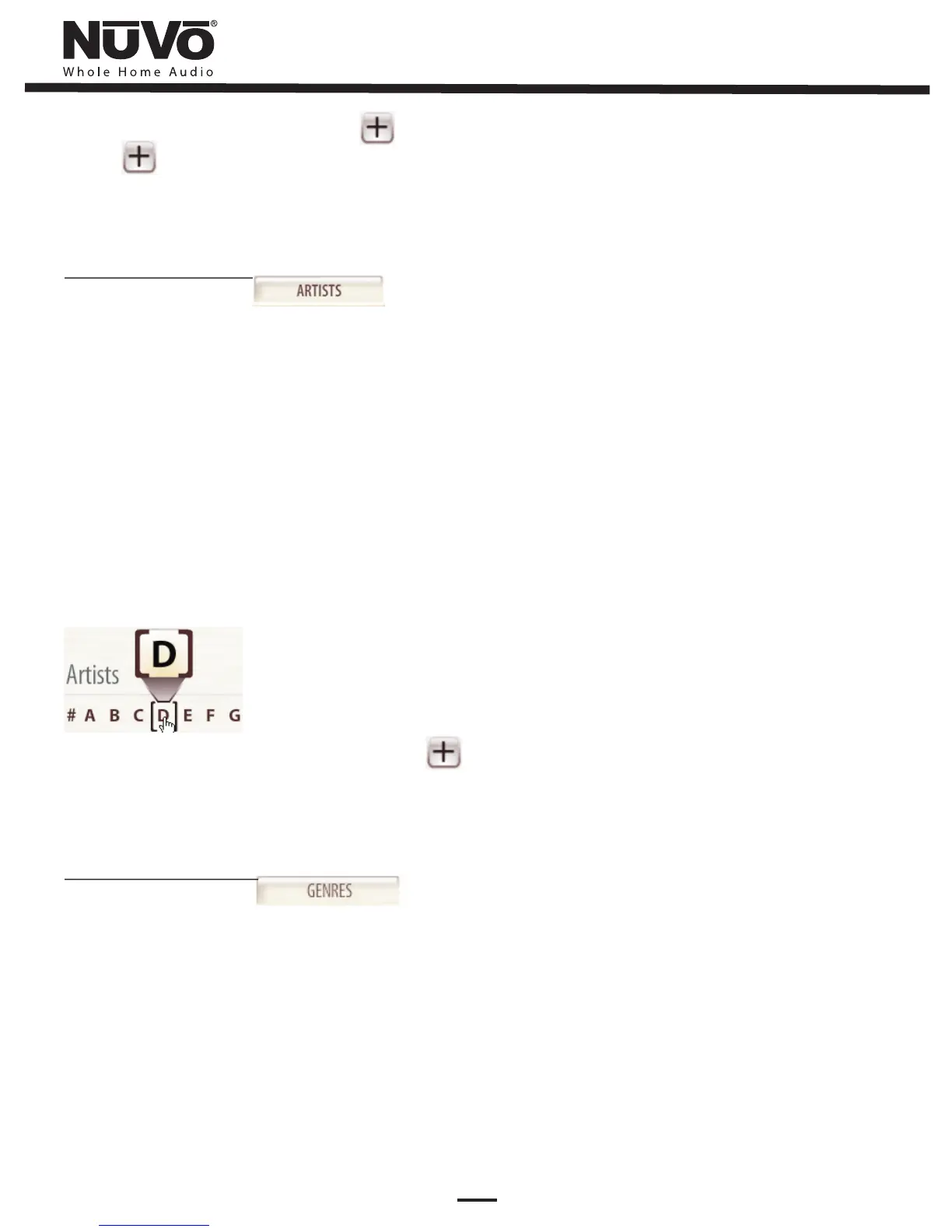
From the Artists screen, you can scroll through all available artists by holding down
the pointer on the scroll bar on the right side of the Client Interface screen, or you
can click anywhere along the scroll bar. To go directly to an artist by name, click on
the corresponding first letter of the desired artist in the alphabet across the top.
(Tip for use with touch screens: press and hold the letter to view the selected letter
in larger format.)
Play all tracks of an artist by clicking or click on the album art to view and
select the artist's tracks by album. Click and hold on this button to move the artist
to the top of your queue.
Searching by Genre
The Genres button displays all music in your Music Port library
alphabetically by genre.
(Note: This button will be grayed out when album information is not available for
the current source.)
9


 To Next Page