- 15 -
January 2010
Recovery Mode Host PC USB Driver
While each OS support pack may require its own host PC OS, the most common host OS for Harmony is
Windows. This section describes how to install the recovery mode driver onto a Windows host PC. If an
OS support pack requires a different host PC OS (such as Linux), that pack’s documentation will describe
how to install the recovery mode driver.
The documentation for the support pack will indicate the location of the PC recovery mode driver to be
used.
In the case of an OS that is flashed using Windows as the host PC OS (e.g. Windows CE 6.0), the method
is to install the driver using the “install from a specific location” option in the “New Device Wizard”
dialog box. This dialog box will pop up automatically (if required) when the Harmony devkit is
connected to the host PC while the devkit is in recovery mode. Note that the driver can take a long
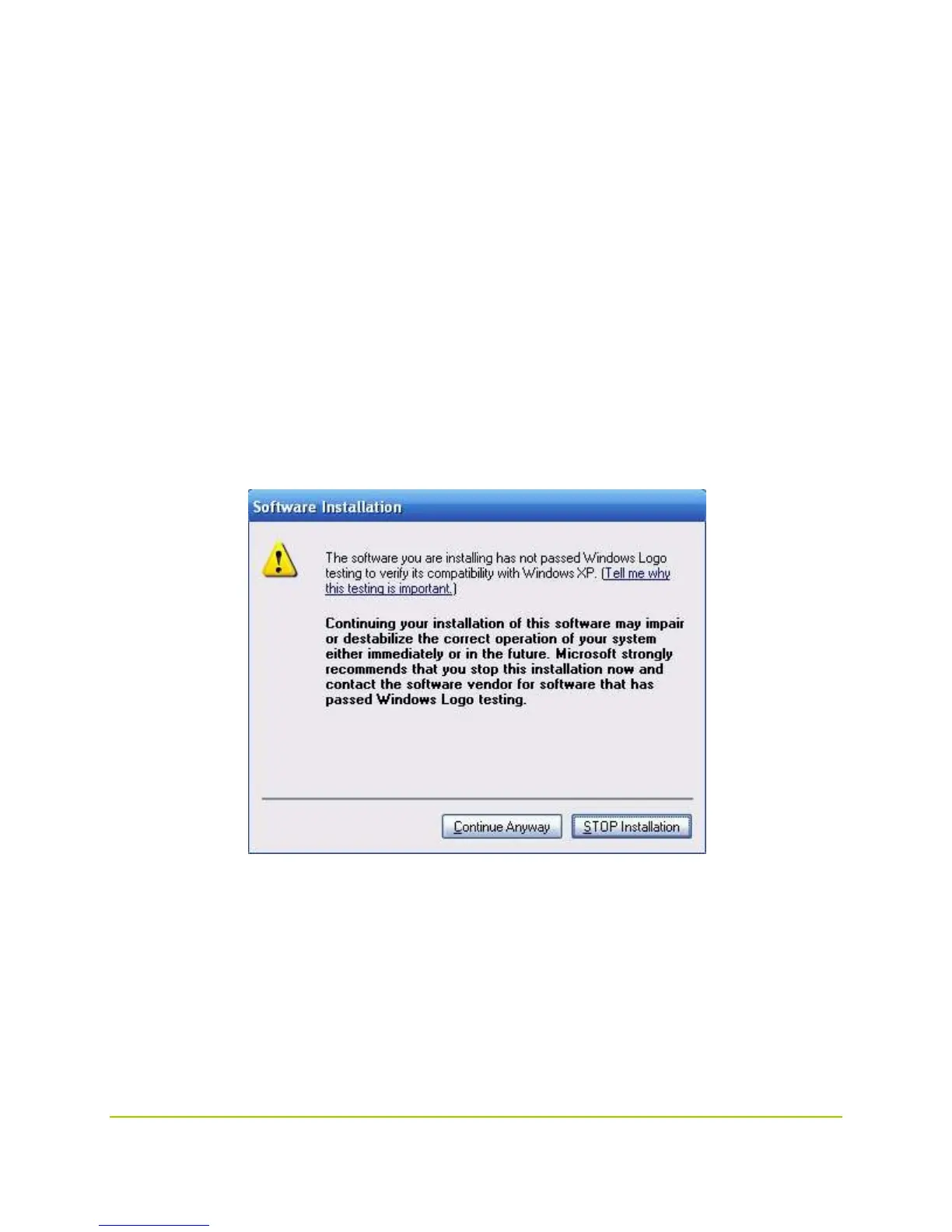
time to install (in some cases, as long as 5 minutes). During the install process, you may see the
following dialog box (under XP):
Click “Continue Anyway” to install the driver. If the host PC OS being used to flash the device is
Windows, then to verify that the Harmony is connected to the host PC, open the Device Manager via:
Start Menu : Control Panel : System : Hardware : Device Manager
Verify that you see a device called
"Nvidia USB Boot-recovery driver for Mobile devices"
under the heading


 To Next Page
 Loading...