- 16 -
January 2010
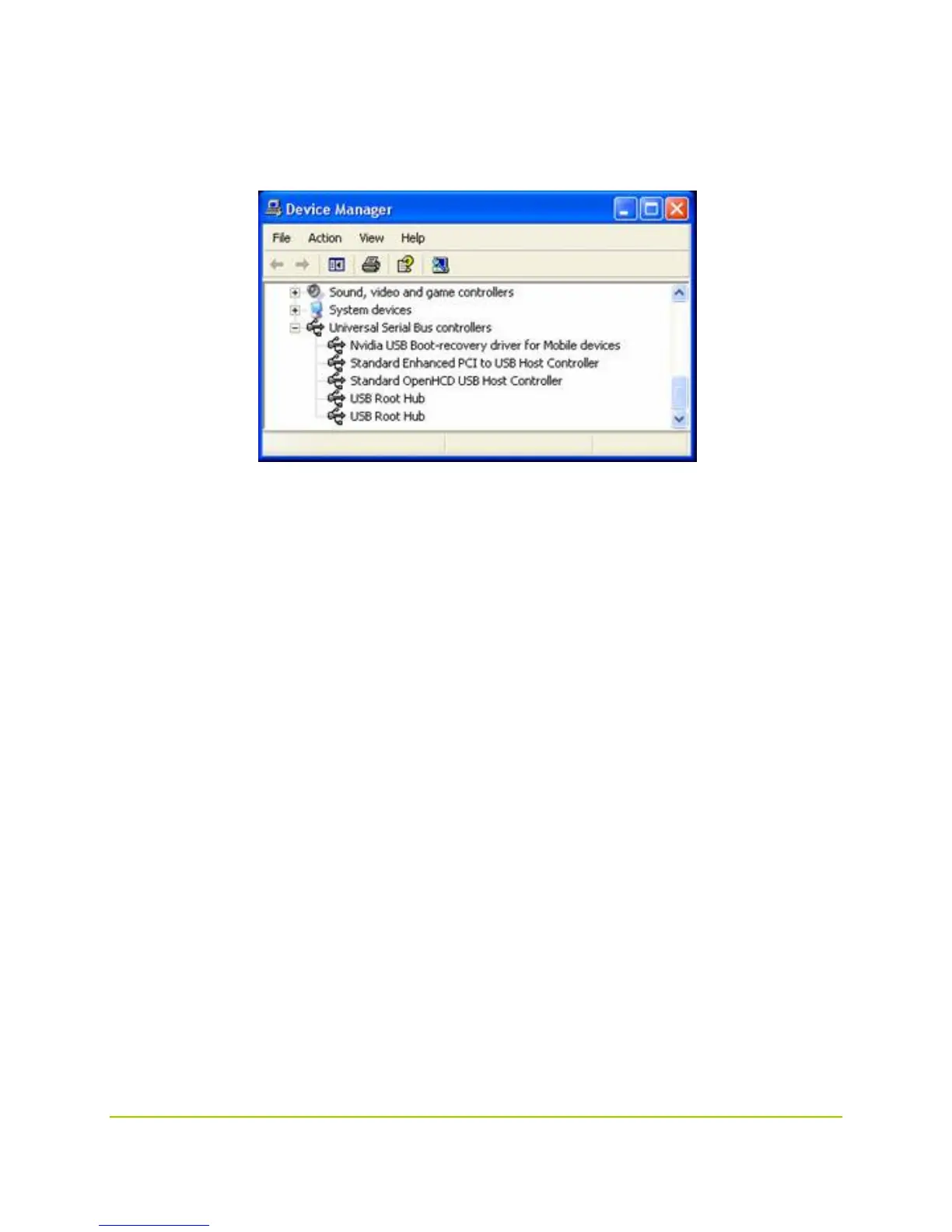
Device Manager -> Universal Serial Bus Controllers
in the device manager as follows:
If you don't see this device, disconnect the Harmony devkit from the host PC, place it into recovery
mode again, and restart this procedure from the beginning, as the lack of an active device in the panel
indicates that the connection has not been made or that the device was not actually in recovery mode.
Do not continue with the following steps until the NVIDIA device appears in the device list. Check the
NVIDIA Tegra developers’ website for troubleshooting tips.



 To Next Page