- 18 -
January 2010
Connecting the Mini Satellite Board
If the OS image requires it, the mini satellite board can be connected to the main board to add serial
port and accessory switch functionalities. The mini satellite board can be connected as follows:
1) Disconnect power to the main board!
2) Place the satellite board so that the pair of ribbon cables on the back edge of the satellite board
roughly match the pair of multi-pin headers on the front edge of the main board
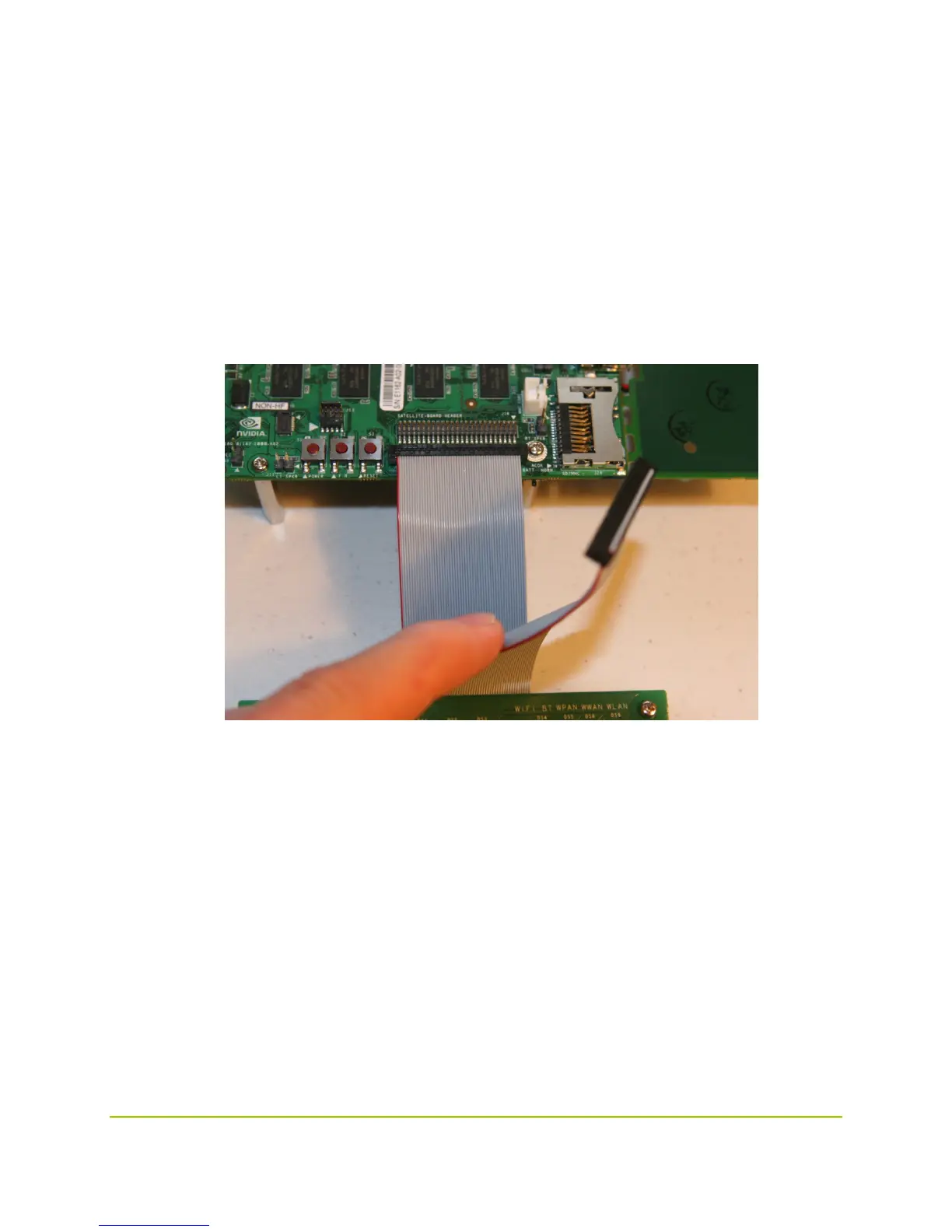
3) Connect the lower (shorter) ribbon cable to the frontmost header on the main board as shown
in the following figure. Be very careful to align the pins. Minimal force should be required to
insert the plug, and it should insert symmetrically:



 To Next Page