C. Configuring the display
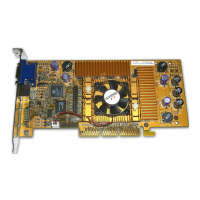
This section will describe the video card display configuration using, as an
example, a GeForce PCX 5300 video card with a Windows XP operating system.
This section only provides general information for each screen. Access the
www.nvidia.com website for additional information and tutorials on configuring
the nView system.
1. Beginning with the "Start" button, select -> Settings -> Control Panel -> Display.
The screen below will display. Select the "Settings" tab.
2. When the "Settings" information appears, press the "Advanced" button.


 To Next Page
 Loading...