MS-8816/8817/8818 nVIDIA GeForce2 MX
TM
Graphics Processing Unit
User’s Guide
1. Driver
1.1 Install Enhanced Drivers for Windows
®
95/98
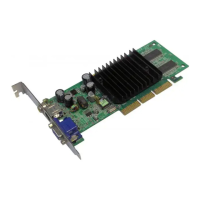
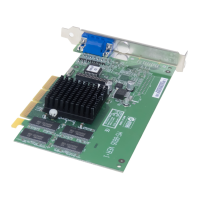
After installing the MS-8816/8817 VGA card into the mainboard,
Windows
®
95/98 will auto-detect changes in your hardware configu-
ration; this will install the Standard VGA Driver. To get the maximum
performance, you need to install the MS-8816/8817 driver.
Before installing MS-8816/8817 driver, you need to install
theWindows
®
95 OSR2 USB supplement to support the AGP
function. Windows
®
98 need not install this.
2-1
To install MS-8816/8817 enhanced driver, please follow these steps:
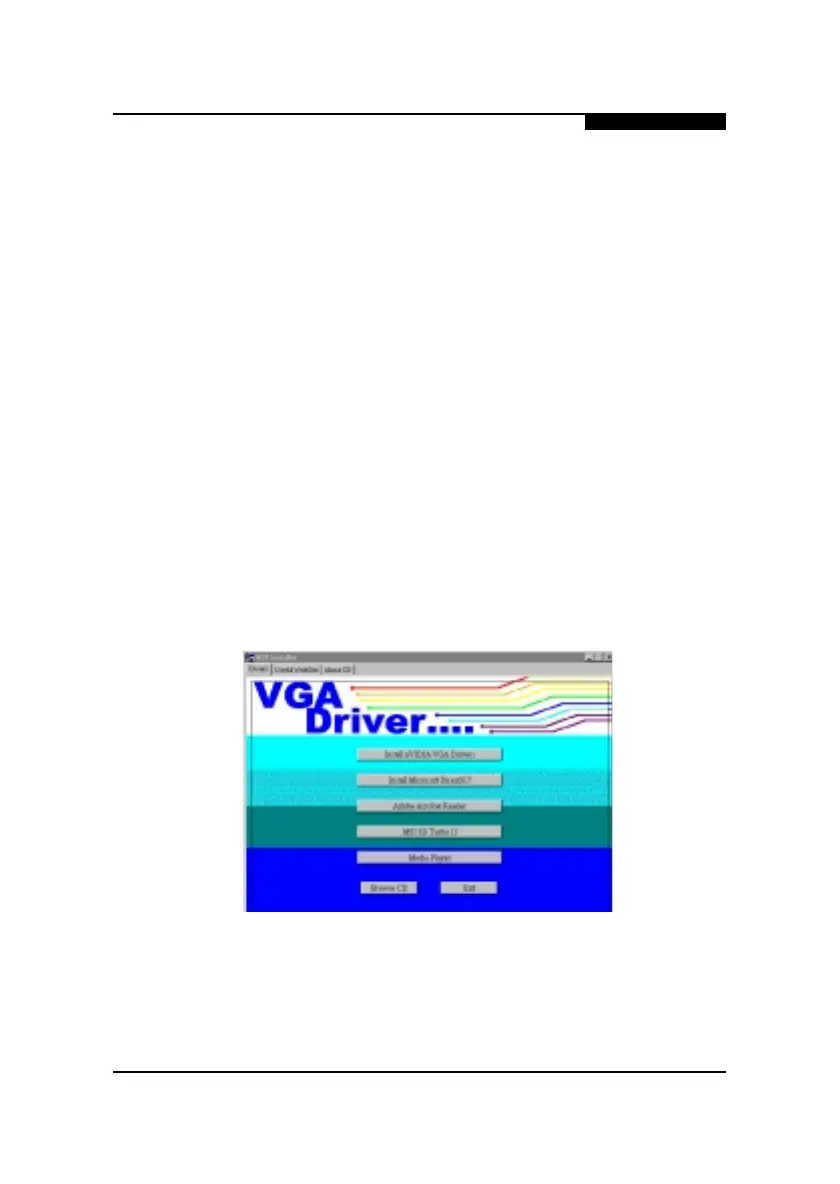
Step 1: Insert the CD_Title provided into your CD-ROM drive.
After inserting the CD_Title, this will auto-run
showing this window.
Chapter 2
Installation of nVIDIA Ge-Force2 MX VGA Driver



 To Next Page