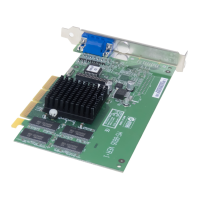
MS-8816/8817/8818 nVIDIA GeForce2 MX
TM
Graphics Processing Unit
User’s Guide
2-9
1.2 Install Enhanced Drivers For Windows
®
NT
You need to install the Windows
®
NT 4.0 “Service Pack 3 or later
version”, before installing the driver.
After installing MS-8816/8817 Card, Windows
®
NT will default to
Standard VGA mode 640x480x16 colors.
To install MS-8816/8817 enhanced driver, please follow these step:
Step 1: Insert the CD_Title provided into your CD-ROM drive.
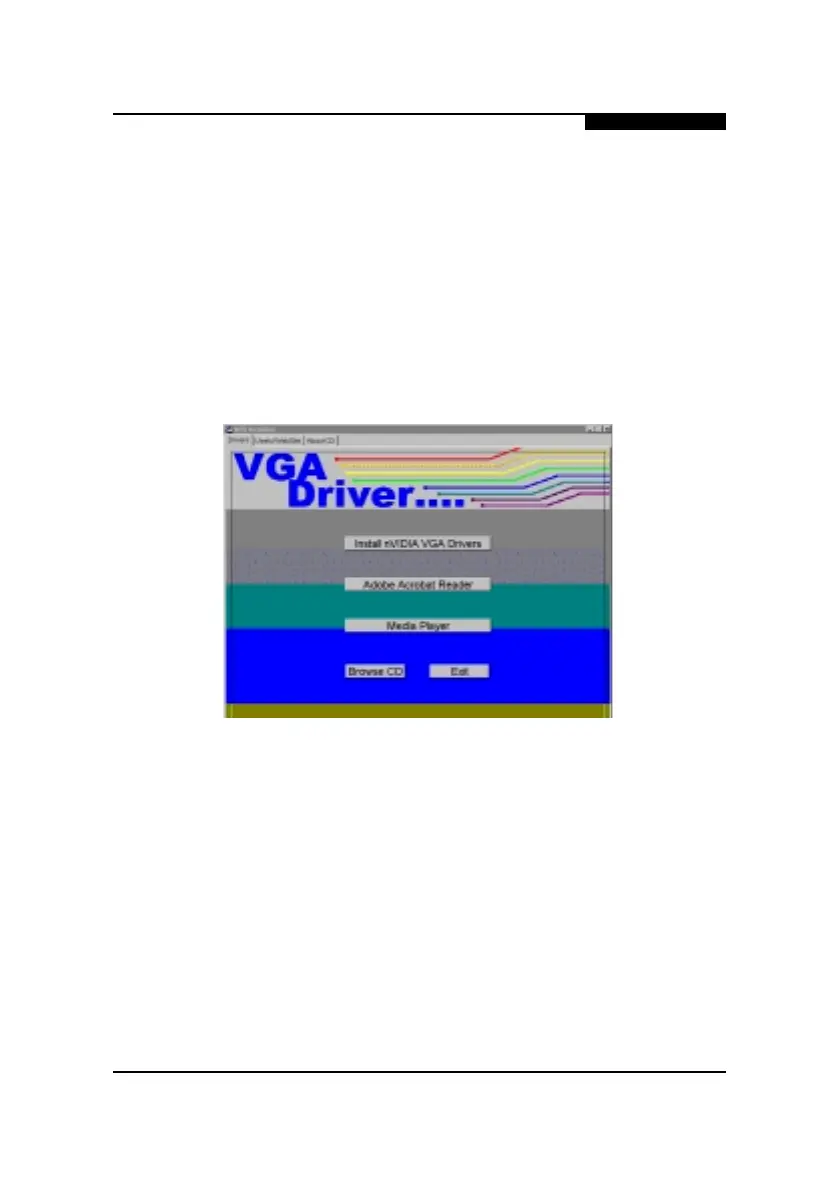
After inserting the CD_Title, this will auto-run
showing this window.
Step 2: Click on Install VGA Drivers button.
Step 3: Click on the OK button. This will copy the necessary
files into the hard drive.







 To Next Page