NVIDIA SLI High Bandwidth
Bridge
6
7
03
Hardware Installation
If you are installing an additional NVIDIA@TITAN X graphics cards for a 2-way
NVIDIA SLI@configuration, continue with step 6. If you are only installing one
GeForce card, go on to step 8.
Note: All of the graphics cards in an SLI configuration must be identical. Therefore,
both cards in a 2-way SLI configuration must be TITAN X graphics cards.
Install a second TITAN X graphic card (2-way SLI):
Install the second GeForce card into the outer most PCl Express x 16 slot on
the motherboard.
Remove the associated slot covers for the second TITAN X graphic card as
shown in step 4.
Connect the two TITAN X cards together using the dual SLI bridge connector
that came with your SLI-ready motherboard.
2-way SLI configuration: Install
your second TITAN X graphics
card into the outer PCl Express
x 16 slot (the outer slot is the one
farthest away from the CPU).
Connect the two cards together
using the dual SLI bridge
connector that came with your
SCI-ready motherboard.
Note: For 4K and surround gaming performance, use the NVIDIA SLI High Bandwidth
Bridge available from http://www.geforce.com/hardware/technology/sli and select
NVIDIA SLI Bridge. There are three sizes available depending on which slot you
choose to put the second card.
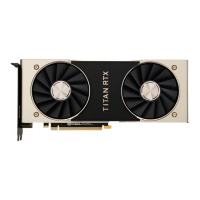
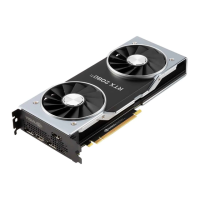
The TITAN X has a new industrial design with a faceted body and a new low
profile backplate. The backplate features a removable section to allow better
airflow between multiple graphics cards in an adjacent SLI configuration.
10











 To Next Page